The Architecture of Feeling: Why Virtual Precision Precedes Physical Comfort
Can a digital wireframe truly capture the soul of a home’s most communal space? Utilizing a free kitchen design planner allows us to transcend mere ergonomics, inviting us to prototype the very atmosphere—the way light grazes a fluted oak island or how a specific plaster finish softens the glare of a southern exposure. We often treat kitchen design as a clinical exercise in math, focusing on the work triangle or the linear feet of cabinetry. Yet, the kitchens that stop us in our tracks on the pages of Architectural Digest aren’t just efficient; they are emotive. They possess a tactile harmony where every material speaks to the next.
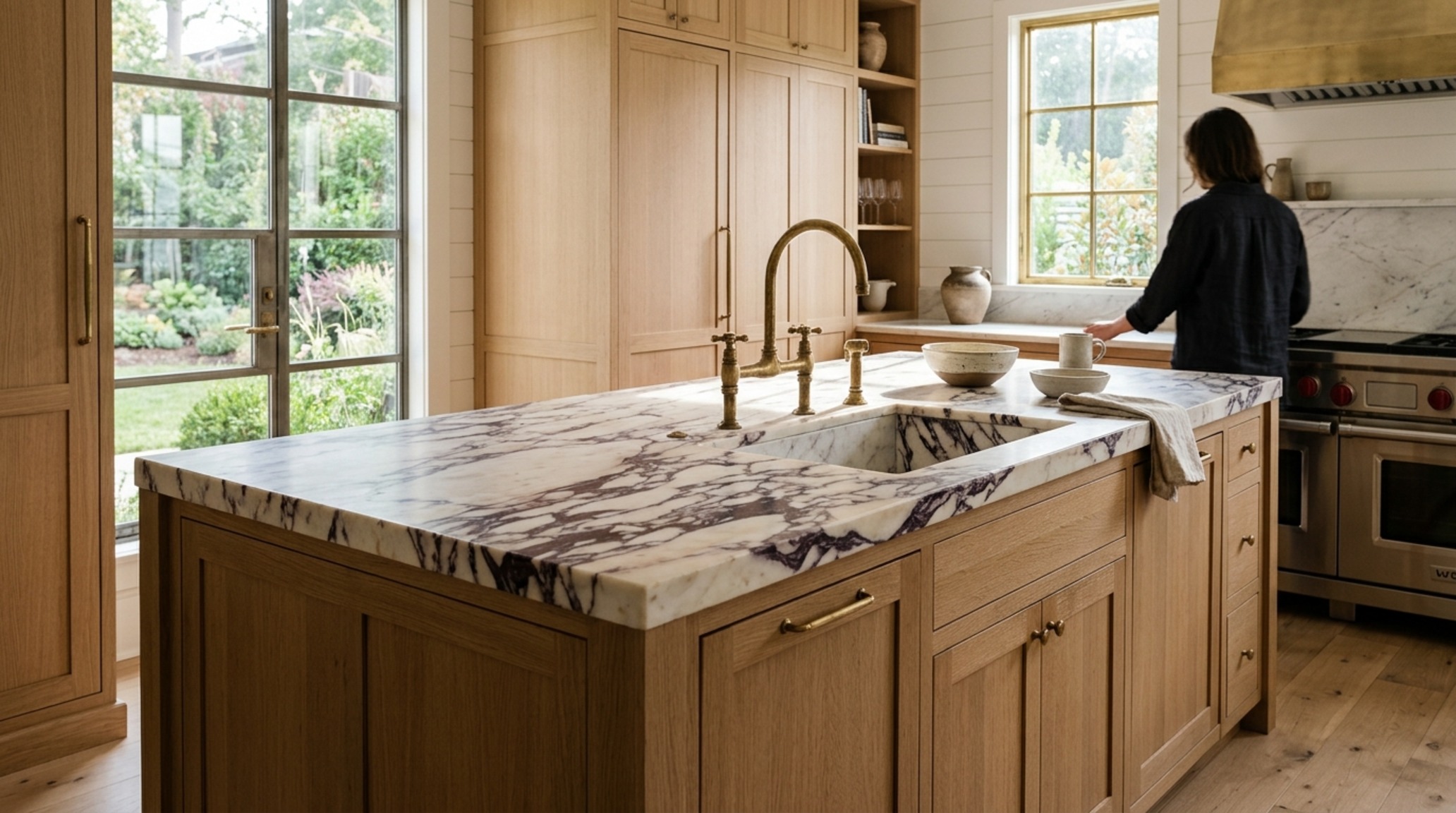
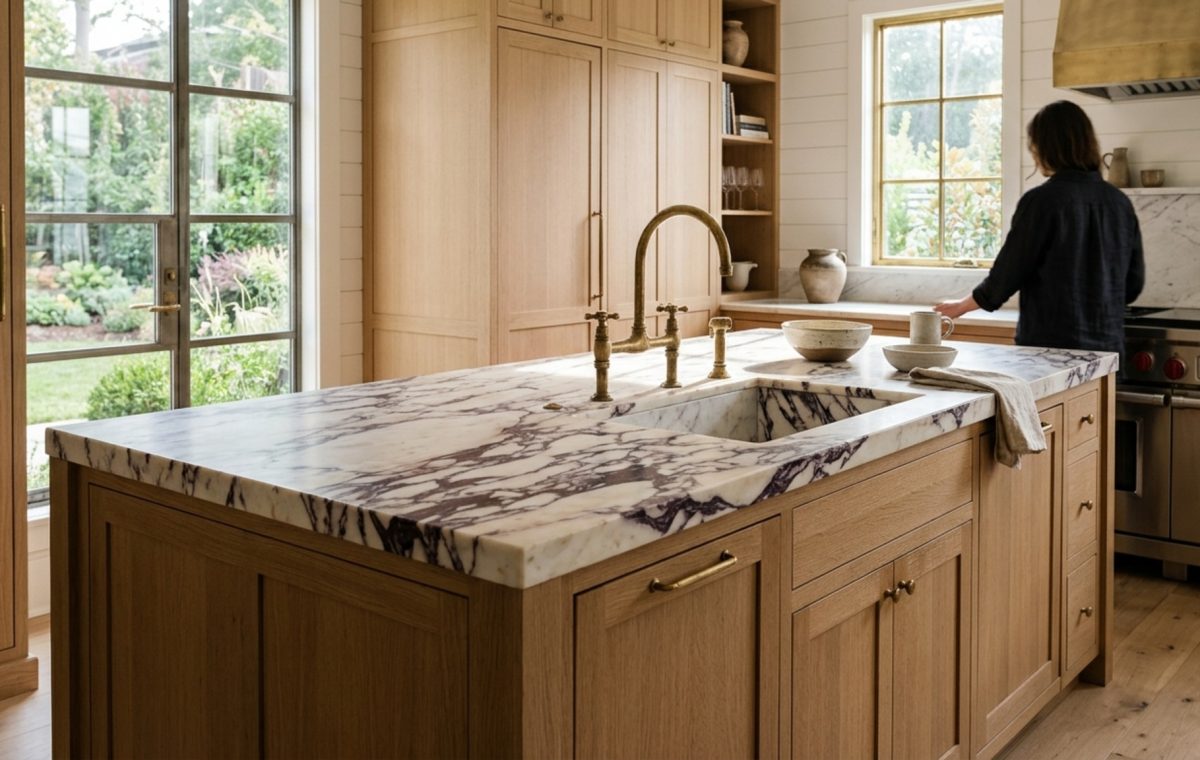
The pivot from flat 2D blueprints to immersive tactile visualization represents a fundamental shift in the design process. It’s no longer about where the fridge goes; it’s about how the reflection of the morning sun off a polished Calacatta Viola marble slab influences your mood at 7:00 AM. Digital tools have evolved from clunky block-builders into sophisticated lighting and texture simulators, allowing homeowners to curate a sensory experience long before a single contractor is hired.
Designing for the Senses: How a Free Kitchen Design Planner Bridges the Gap Between Layout and Atmosphere
Atmosphere is a notoriously difficult concept to quantify, yet it is the most vital component of luxury design. When we use a free kitchen design planner, we are essentially building a digital laboratory. Here, we can test the ‘spatial cadence’—the rhythm of solids and voids—within our four walls. Does the cabinetry feel oppressive? Is the island a monolithic interruption or a grounding centerpiece? By manipulating these elements in a virtual environment, we prevent the costly ‘aesthetic friction’ that occurs when real-world materials clash in ways we didn’t anticipate.
The secret lies in materiality. A kitchen shouldn’t just look good; it should feel substantial. In high-end design, we look for ‘tactile grounding.’ This is the use of heavier, earthier materials at the base of a room to create a sense of permanence. Using digital visualization, you can experiment with a heavy soapstone base against airy, open white oak shelving. You can see how the matte finish of the stone absorbs the overhead task lighting, preventing the harsh, clinical glare that often plagues poorly planned kitchens.
Beyond the Grid: Mastering Depth with a 3D Kitchen Rendering Tool
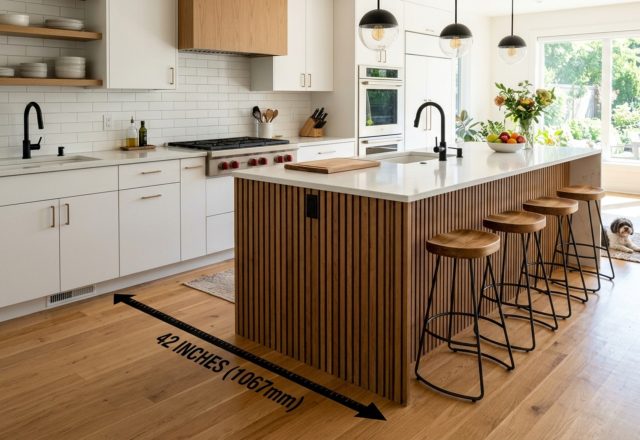
When you transition your concepts into a 3D kitchen rendering tool, you begin to see the true volume of your space. Negative space breathing room is just as important as the cabinets themselves. A common mistake in DIY design is over-stuffing the floor plan. A rendering tool allows you to walk through the virtual kitchen and realize that a 42-inch walkway feels significantly more luxurious than the standard 36-inch minimum. You start to see the sightline alignment—how the view from the sink correlates with the window frame or the doorway into the living room.
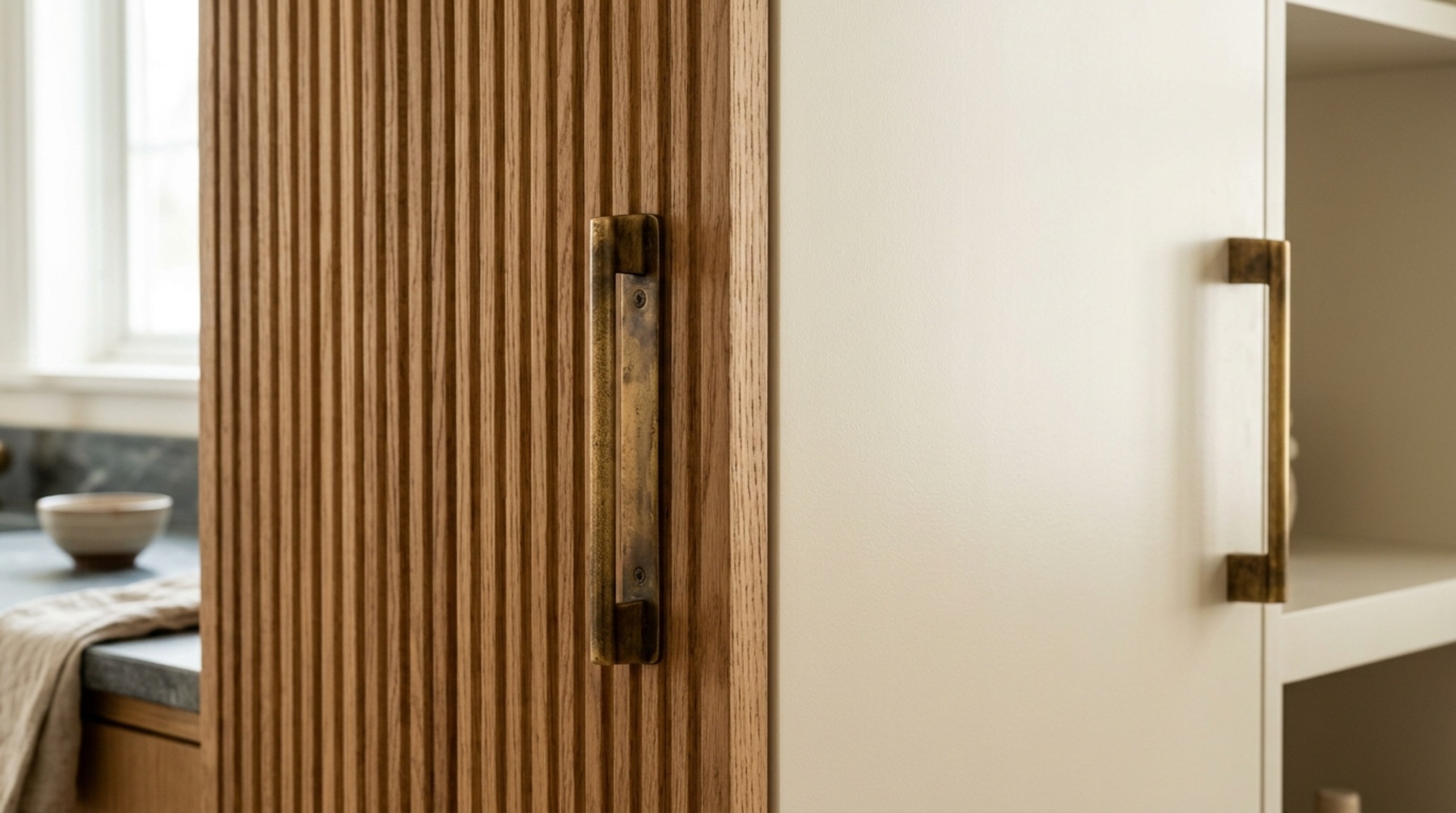
High-fidelity rendering also lets us explore the ‘shadow play’ within a kitchen. We often forget that shadow is what gives a room depth. If every surface is evenly lit, the room feels flat and synthetic. By placing virtual 2700K warm ambient lights in the rendering tool, you can see where the natural shadows fall under the lip of the countertop or within the grain of a fluted cabinet face. This creates a visual richness that mimics the complexity of a professionally designed estate kitchen.
Curating the Vertical Plane: Using a Kitchen Cabinet Visualizer Online
The cabinetry defines the kitchen’s architectural identity more than any other element. When engaging with a kitchen cabinet visualizer online, the goal is to balance utility with ‘visual rest.’ This means selecting finishes that don’t compete for attention. For instance, pairing a deeply saturated hue like Benjamin Moore’s ‘Hale Navy’ on the lower cabinets with a soft, ethereal ‘Swiss Coffee’ on the uppers can draw the eye upward, making a standard eight-foot ceiling feel significantly loftier.
“True luxury in the kitchen is found in the unspoken dialogue between the textures you touch and the light you inhabit.”
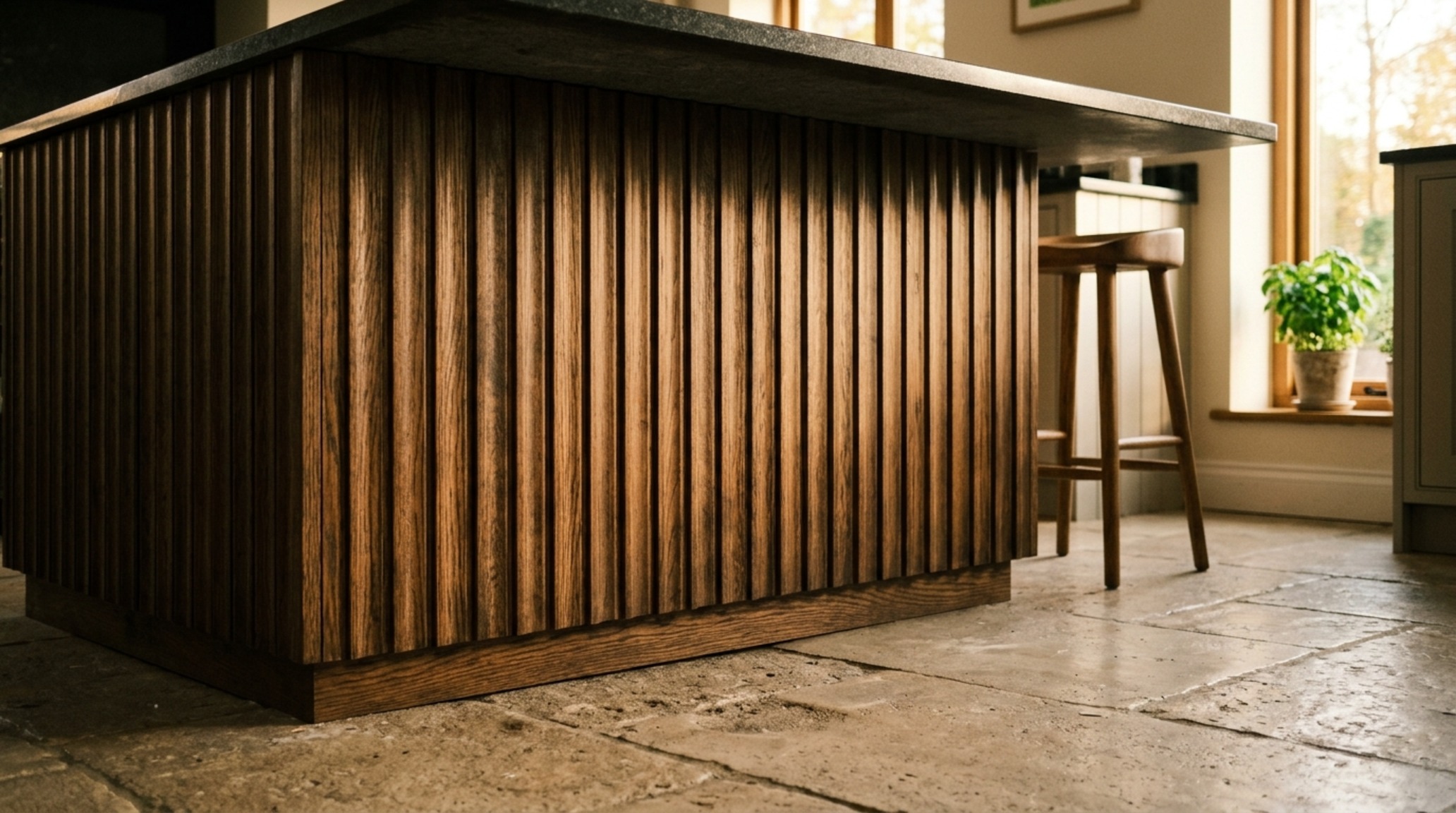
Texture is the silent hero of the vertical plane. A visualizer helps you decide between a flat-panel slab for a minimalist, European aesthetic or a micro-shaker profile for a more transitional, grounded feel. Lately, we are seeing a massive trend toward ‘raw’ finishes—woods that look unstained and stones that are honed rather than polished. These finishes feel warmer to the touch and age more gracefully, developing a patina that tells the story of the home.
Precision and Proportions: Architectural Clearances in DIY Kitchen Layout Software
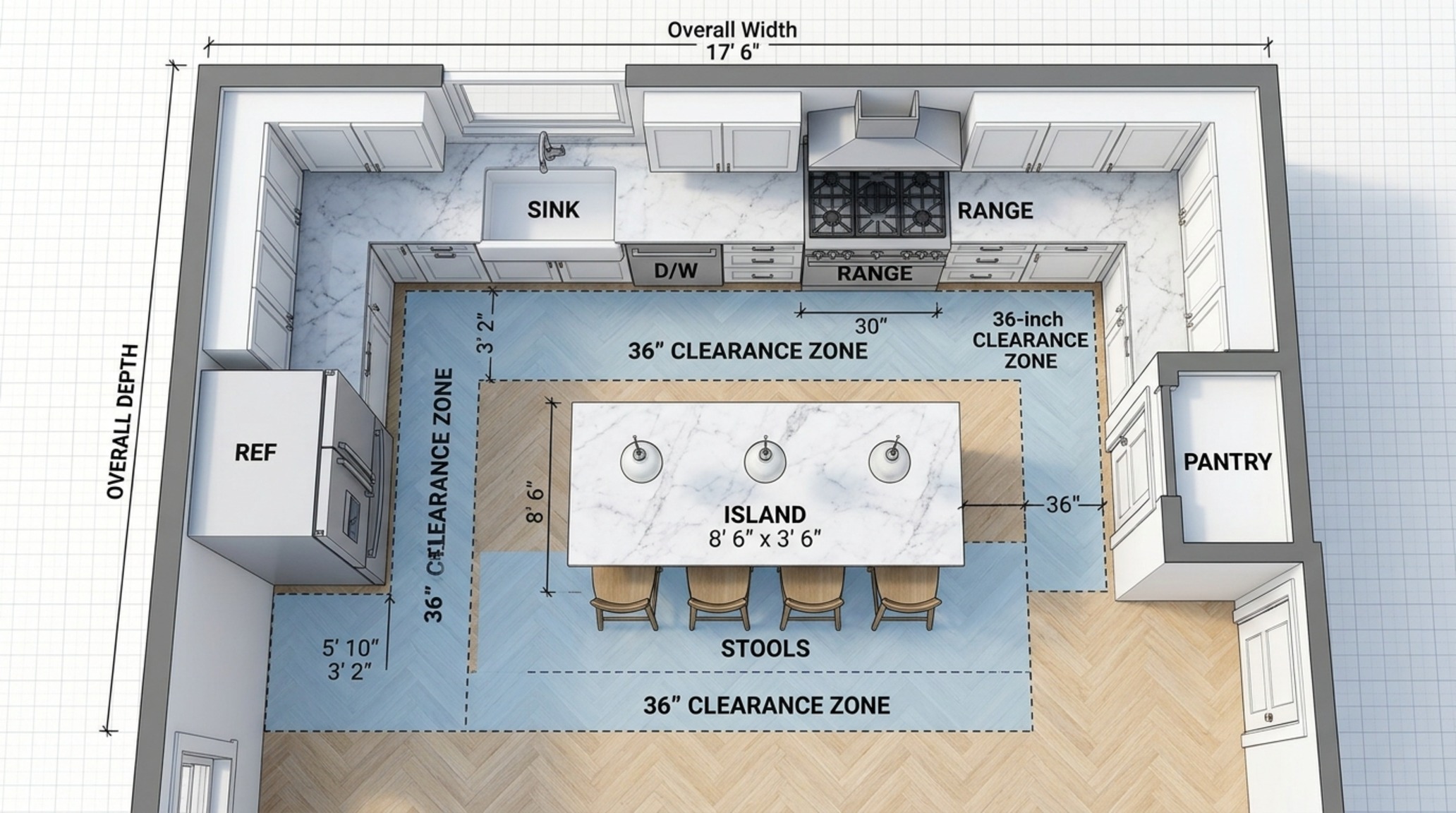
While the aesthetics are seductive, the success of a kitchen ultimately hinges on the invisible math of architectural clearances. When working within DIY kitchen layout software, you must adhere to the laws of human scale. The 18-inch reach rule—the distance between a seated guest and the edge of a coffee table or island—is non-negotiable for comfort. Similarly, a 30-inch clearance is required behind a dining chair to allow for easy movement while someone is seated.
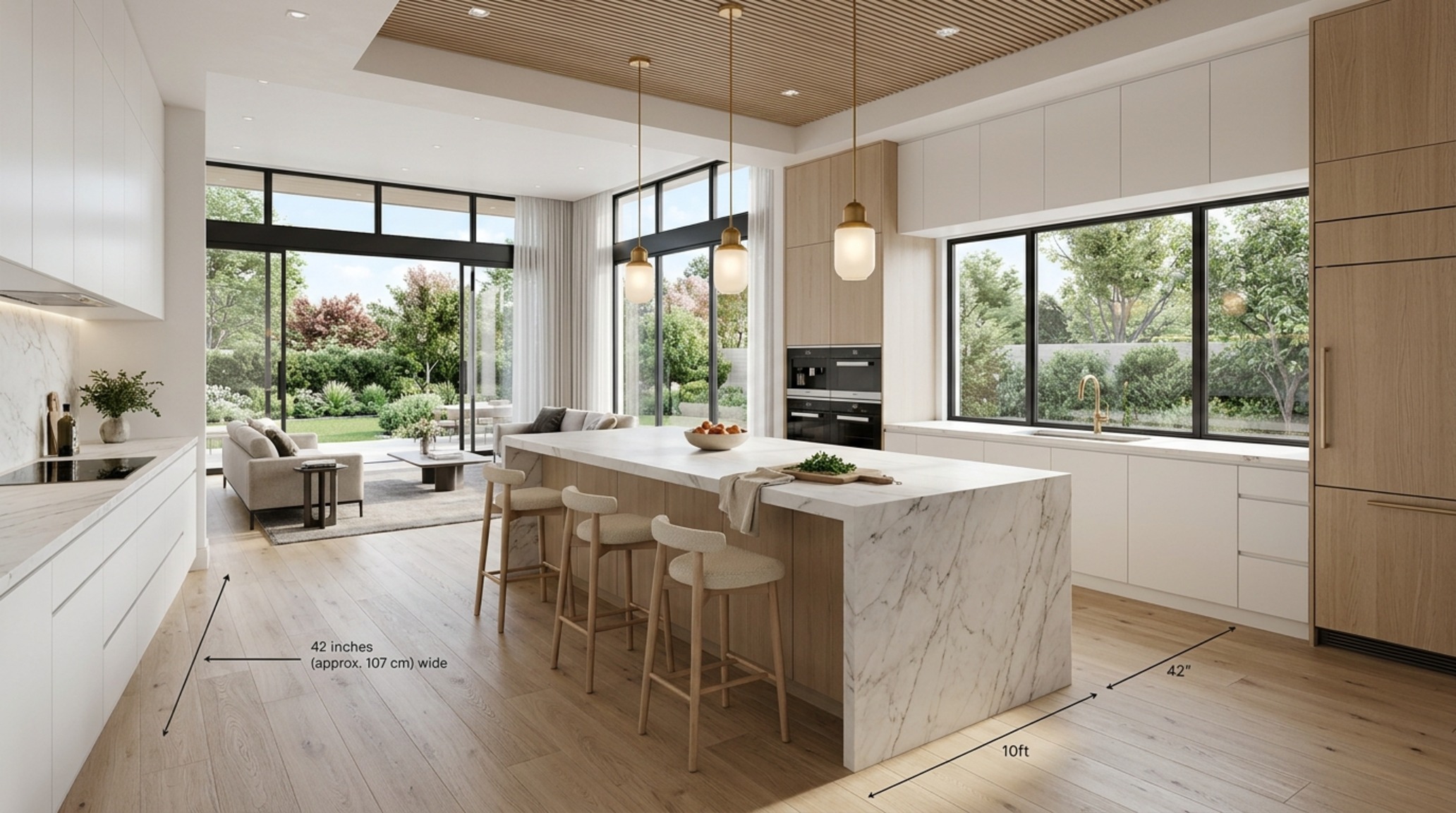
Using the software to enforce these clearances ensures that your ‘spatial flow’ remains uninterrupted. There is nothing more frustrating than a ‘bottleneck kitchen’ where the dishwasher door blocks the path to the pantry. By modeling these functional movements in the virtual space, you can identify these friction points early. You might realize that moving the sink just six inches to the left creates a much more generous prep zone next to the range, a detail that is often missed on a simple paper sketch.
Orchestrating Light and Shadow: The Heart of a Virtual Kitchen Remodel
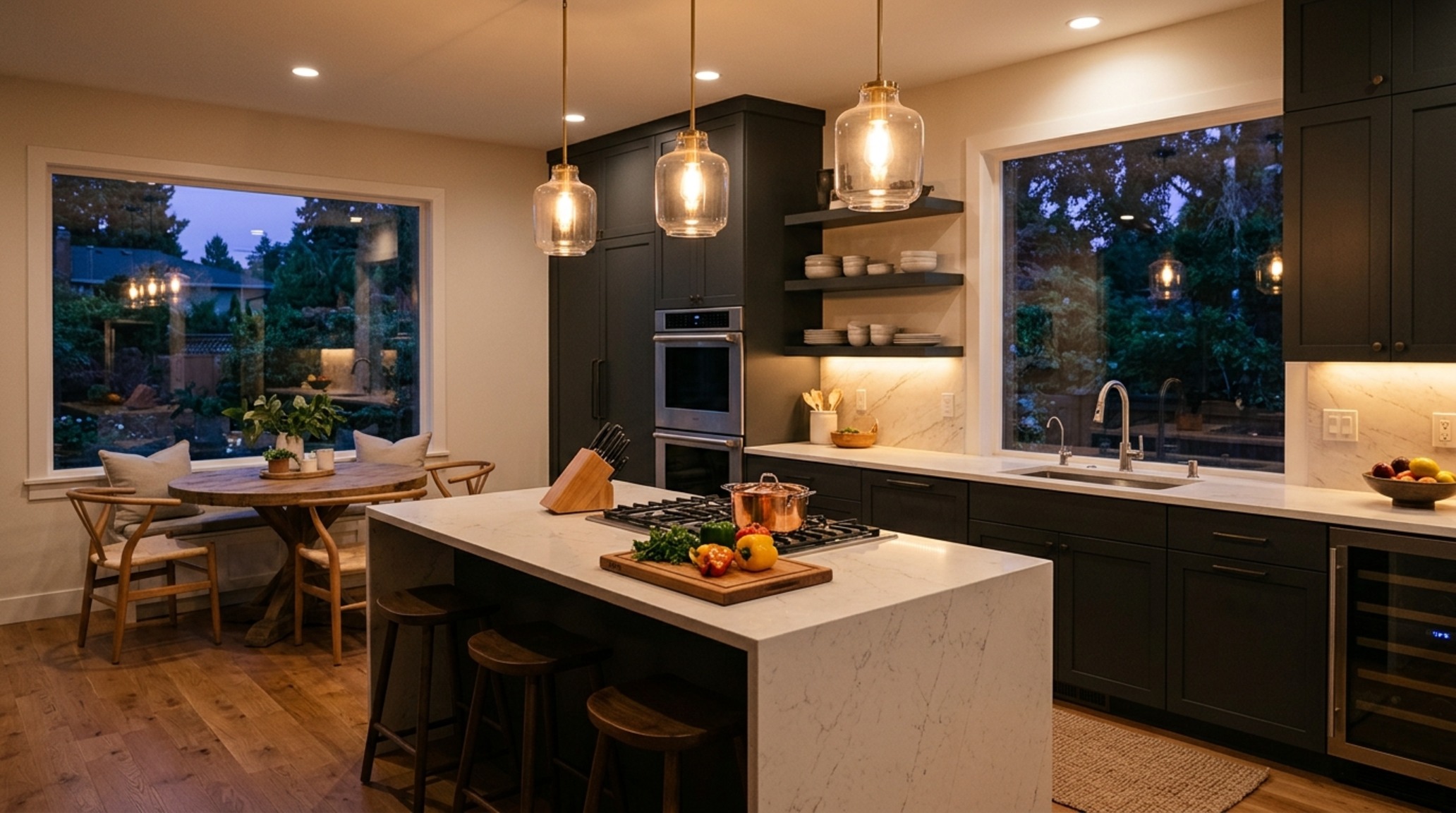
Lighting is often the last thing homeowners think about, but in a virtual kitchen remodel, it should be the first. We design in layers: ambient, task, and accent. Ambient lighting provides the overall glow, task lighting ensures you don’t cut your finger while dicing onions, and accent lighting highlights the architecture. A high-quality virtual tool allows you to toggle between these layers to see how the room changes from day to night.
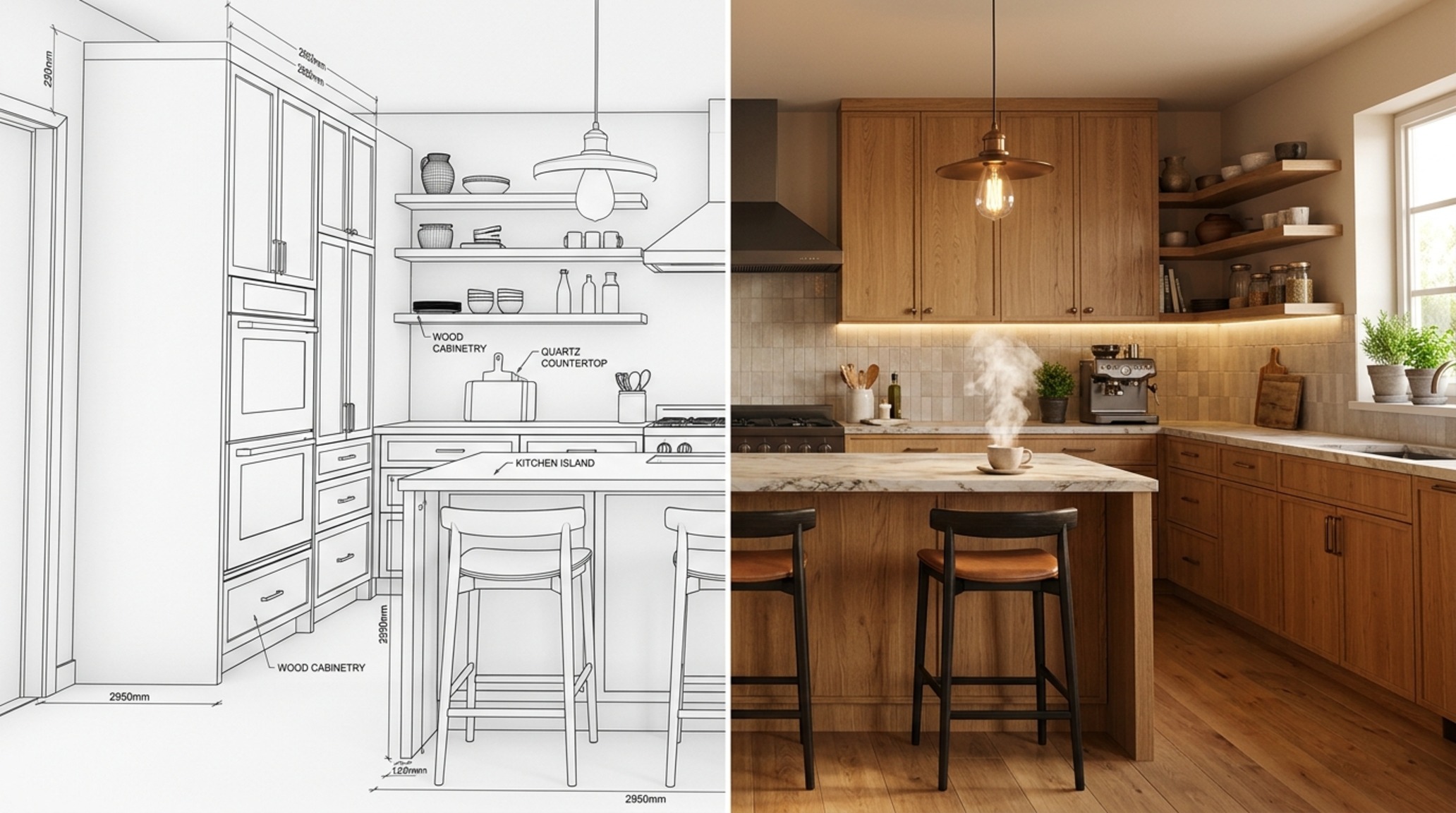
Consider the CRI (Color Rendering Index) of your bulbs. In a virtual simulation, you can see how a High CRI 90+ rating makes the colors of your food—the deep reds of a tomato or the vibrant greens of herbs—pop against the countertop. Conversely, low-quality lighting can make even the most expensive marble look muddy and grey. Aim for 3000K for task areas like the island and 2700K for the dining nooks to create a cozy, invitational warmth that mimics candlelight.
From Digital Sketch to Reality: Preparing for an Online Kitchen Designer Consultation
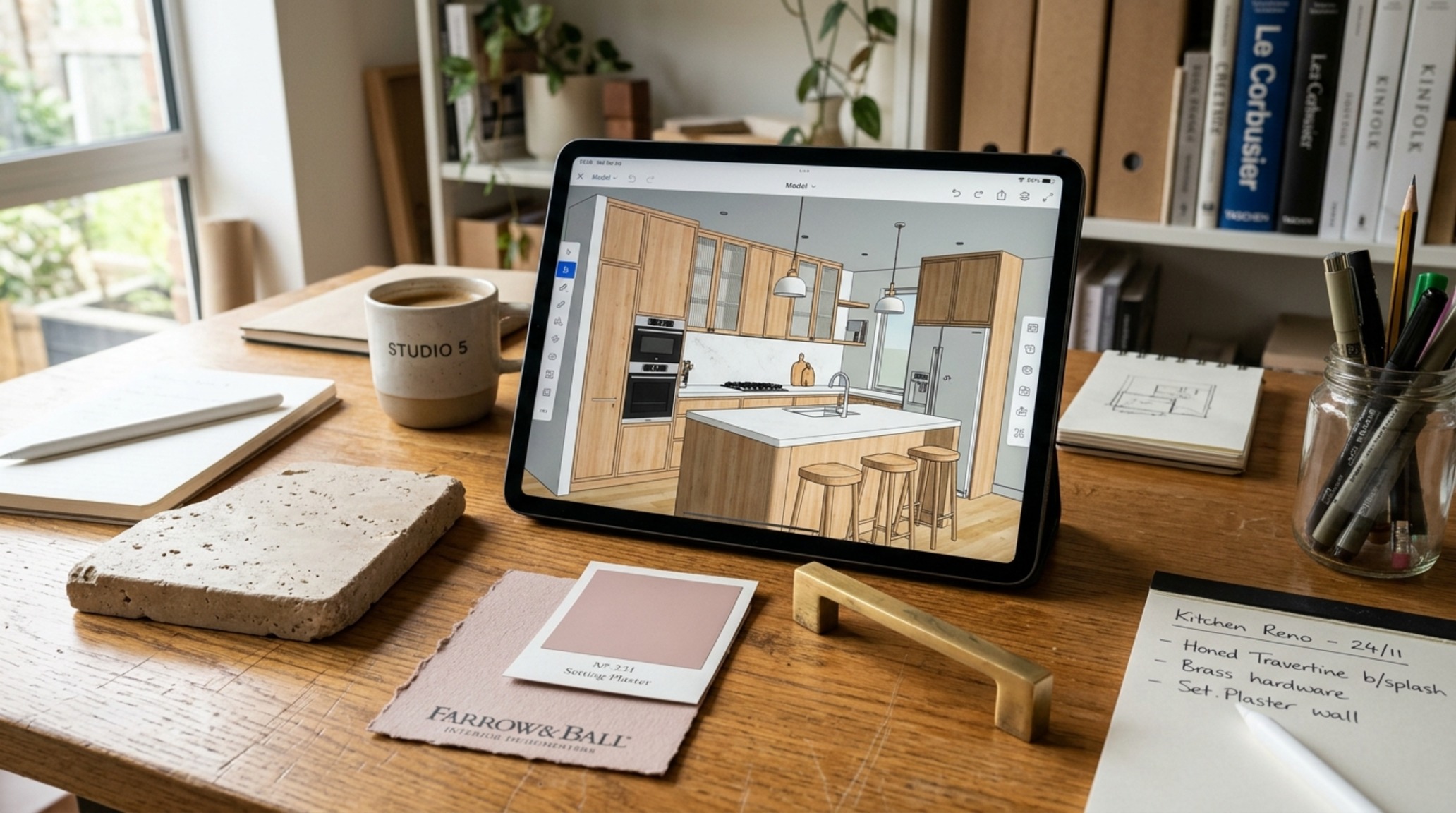
Once you have spent time in the digital trenches, your online kitchen designer consultation becomes a high-level strategic session rather than a basic introductory meeting. You aren’t just showing them a Pinterest board; you are showing them a studied exploration of your specific square footage. You can present your 3D models and say, ‘I love this layout, but I’m worried about the way the light hits this corner.’ This allows the pro to provide nuanced feedback on technical details like plumbing stacks or structural load-bearing walls that a software might not fully account for.
This collaborative approach ensures that the ‘architectural intent’ of your design is preserved. The designer can help refine your material palette, perhaps suggesting a ‘Honed Travertine’ instead of a basic porcelain tile to add that extra layer of organic texture you’ve been craving. They can also ensure that your appliance specifications—like the exact width of a Sub-Zero fridge—are integrated with surgical precision into your cabinetry plan.
The Visual Concept Gallery & Material Composition
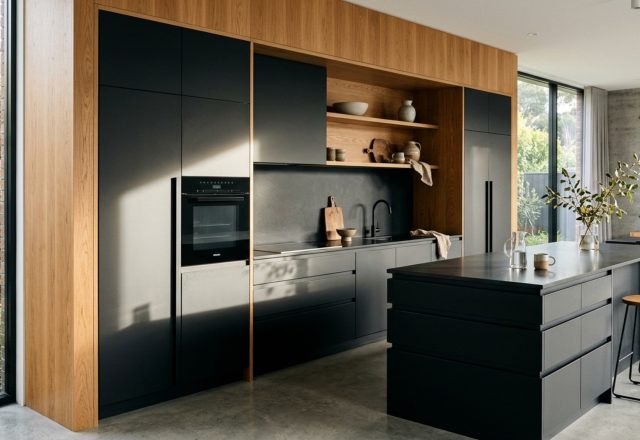
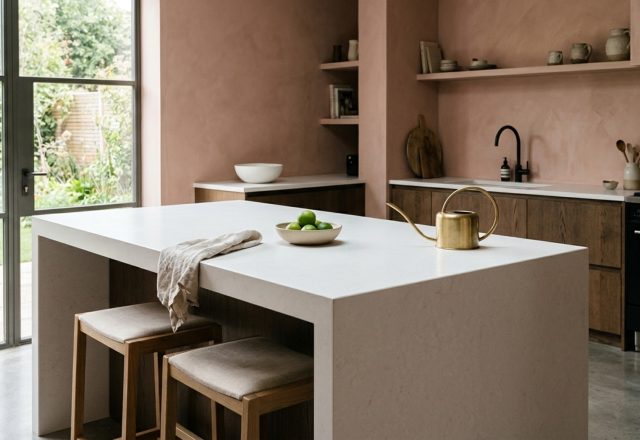
In the following studies, we observe the interplay between hard and soft surfaces. Notice how the use of ‘Setting Plaster’ by Farrow & Ball on the walls provides a muted, clay-like backdrop that allows the veining of the marble to take center stage. These vignettes demonstrate that a kitchen is a composition, not just a collection of appliances. The ‘negative space’ above a range hood, for example, is a deliberate design choice that prevents the wall from feeling cluttered.
Observe the transition between flooring materials. The meeting of a white oak floor with a stone threshold is a moment of architectural detail that speaks to the quality of the build. In a virtual environment, you can test different transition strips—brass, wood, or stone—to see which provides the most seamless visual journey from the kitchen into the adjacent living areas. This level of detail is what separates a standard remodel from a bespoke architectural statement.
Interior Finishes, Colors & Dimension Matrix
Practical architectural ledger outlining surface materials, color values, and circulation dimensions.
Ultimately, the transition from a digital rendering to a physical reality is a journey of refinement. By leveraging a free kitchen design planner, you aren’t just deciding where the stove goes; you are choreographing the future movements of your life. You are ensuring that the materials you touch every day feel as good as they look, and that the light that wakes you up in the morning is as soft and welcoming as the design you envisioned. True design is never finished on a screen—it’s lived in the texture of the home, but it begins with the clarity of a virtual vision.
Editorial Silo • Recommended Architecture Studies
- The High-Performance Engine: Mastering Ergonomics and Invisible Utility in Kitchen Islands Design — Archival Design Case Study
- Curation of Touch: Merging Materiality and Atmosphere in Modern Kitchen Cabinet Styles — Archival Design Case Study
Spatial Balance & Form Lookbook
A visual anthology detailing craftsmanship, tailored millwork, and nuanced ambient illumination.
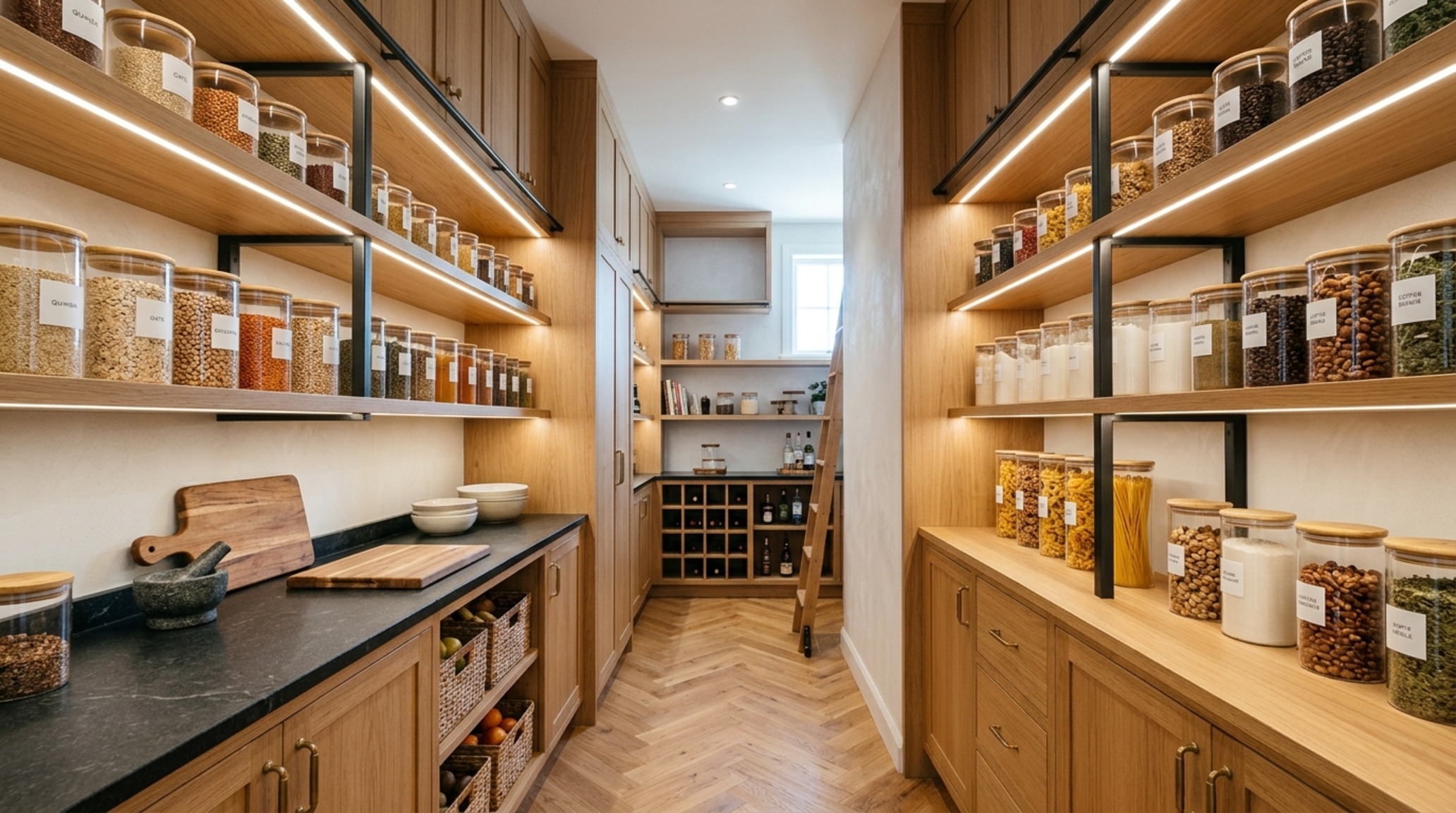
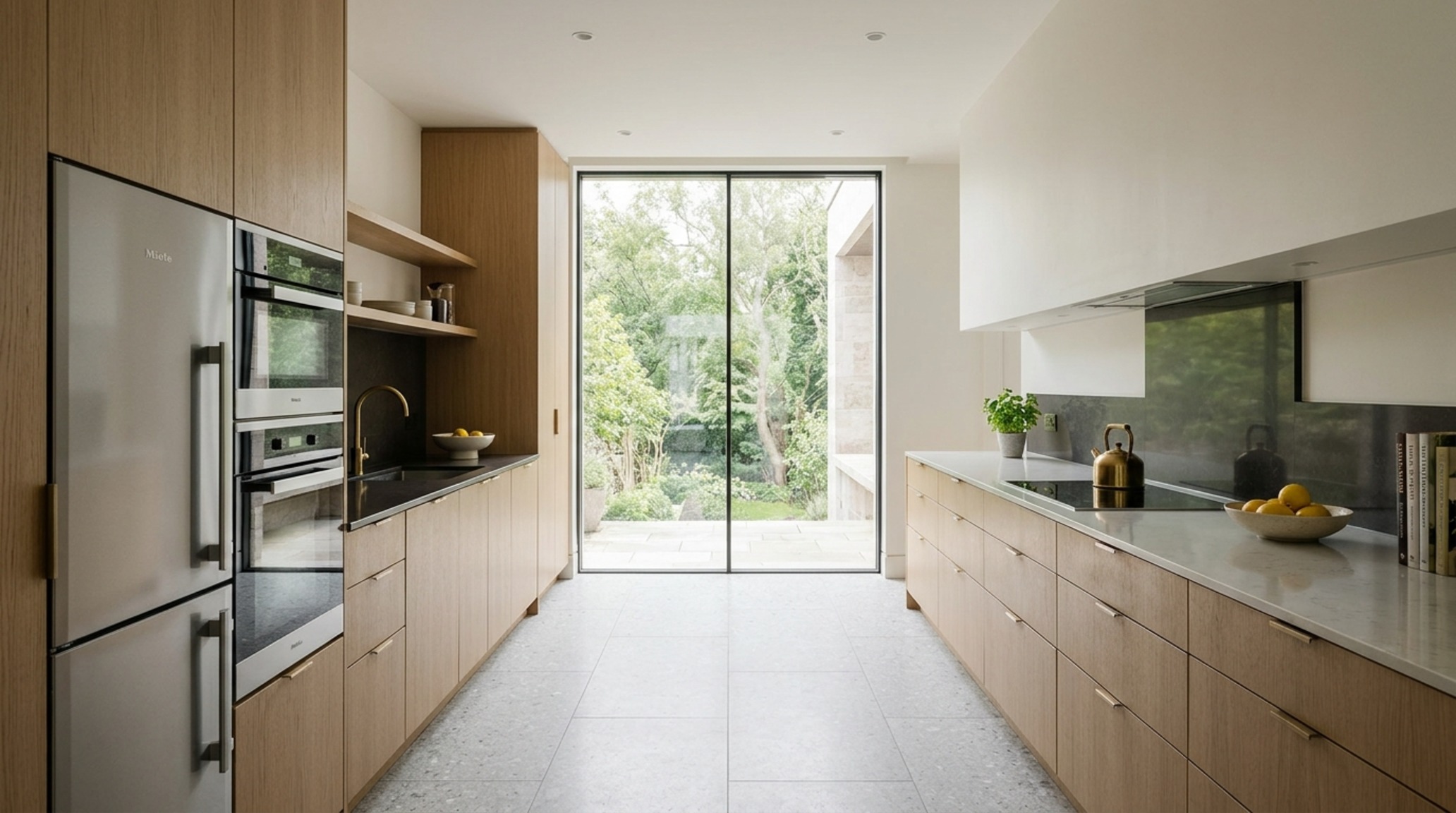
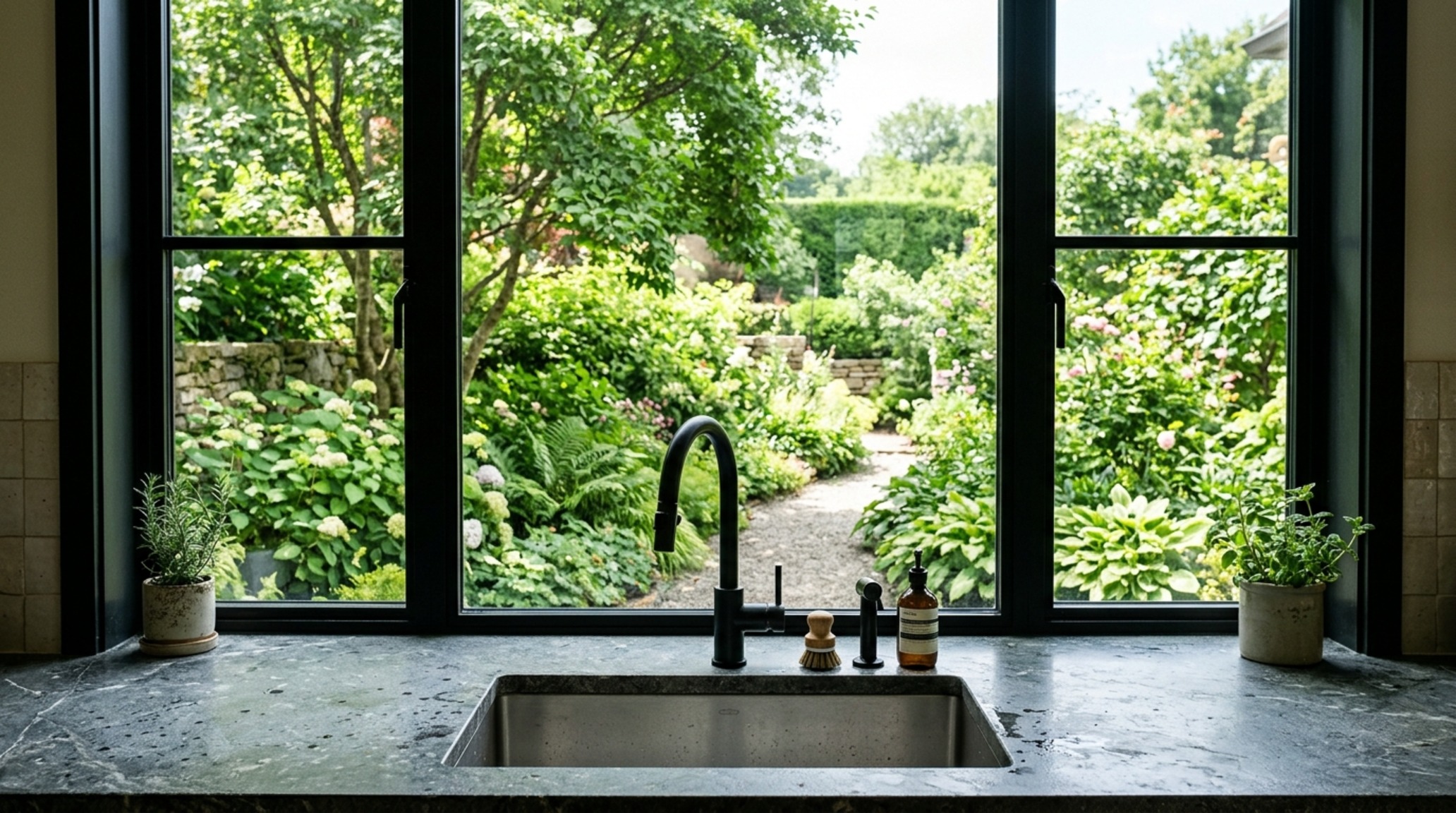
Curated Visual Lookbook
Design Gallery & Spatial Studies
A visual curation of architectural arrangements, lighting concepts, and material palettes featured in this space.