A virtual kitchen designer is the essential architectural catalyst for modern renovations, transforming the high-stakes world of spatial planning into a precise, ergonomic science that prioritizes the lived human experience.
In the contemporary landscape of high-end residential design, we have moved far beyond the era of static mood boards and hand-drawn sketches. Today, the luxury of a kitchen is defined less by the price of its stone and more by the intelligence of its flow. For the discerning homeowner and the professional architect alike, the ability to stress-test a layout before a single cabinet is ordered is the difference between a functional workspace and an architectural masterpiece. We are no longer designing for aesthetics alone; we are designing for the cadence of daily life, where the millimeter-precise placement of a prep sink or the clearance of a pantry door dictates the rhythm of a home.
The shift toward virtual kitchen simulation represents a democratization of architectural precision. By leveraging these digital interfaces, we can simulate the tactile and spatial realities of a room, ensuring that ‘negative space’ is not just an empty void, but a breathing room that allows for natural movement and light penetration. It’s about the intersection of ergonomics and atmosphere—a concept I call ‘The Ergonomic Blueprint.’
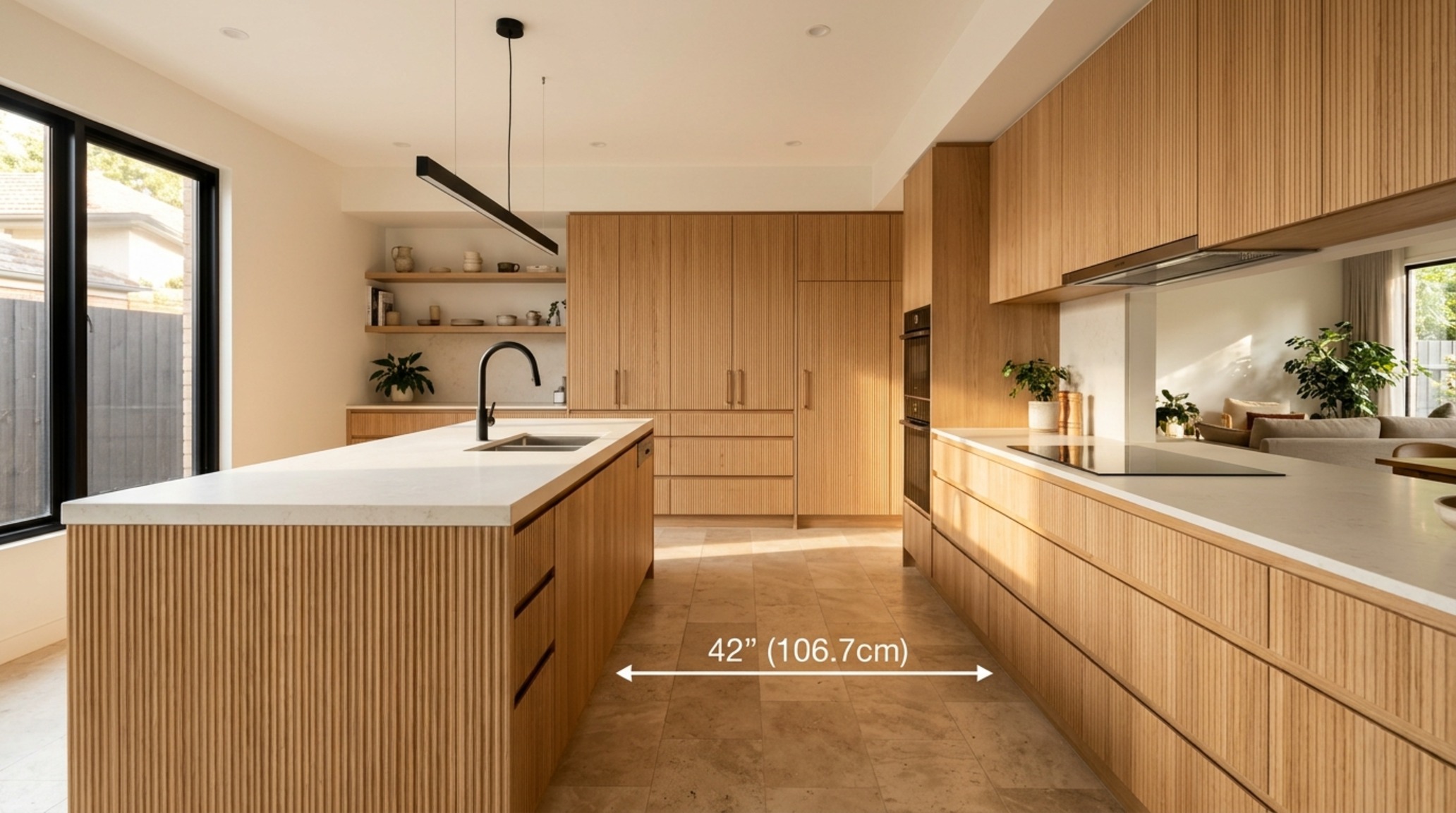
3D Room Planner for Kitchens: Calibrating the Spatial Cadence
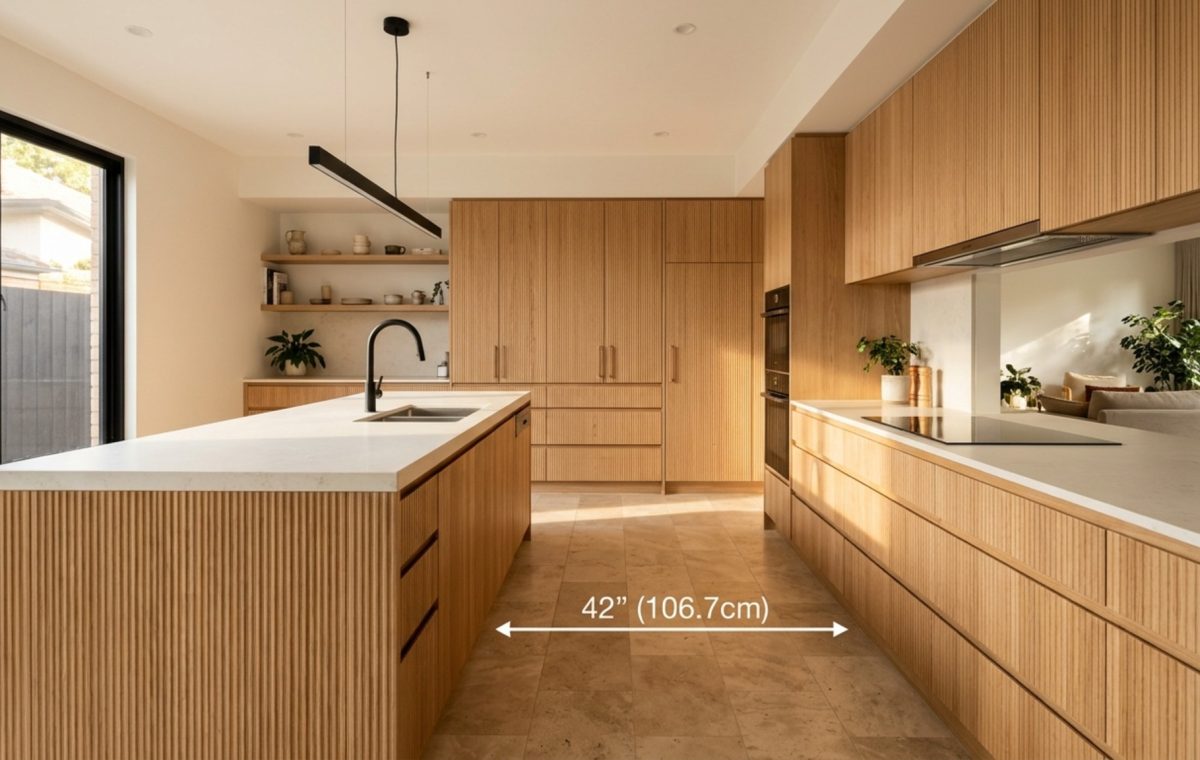
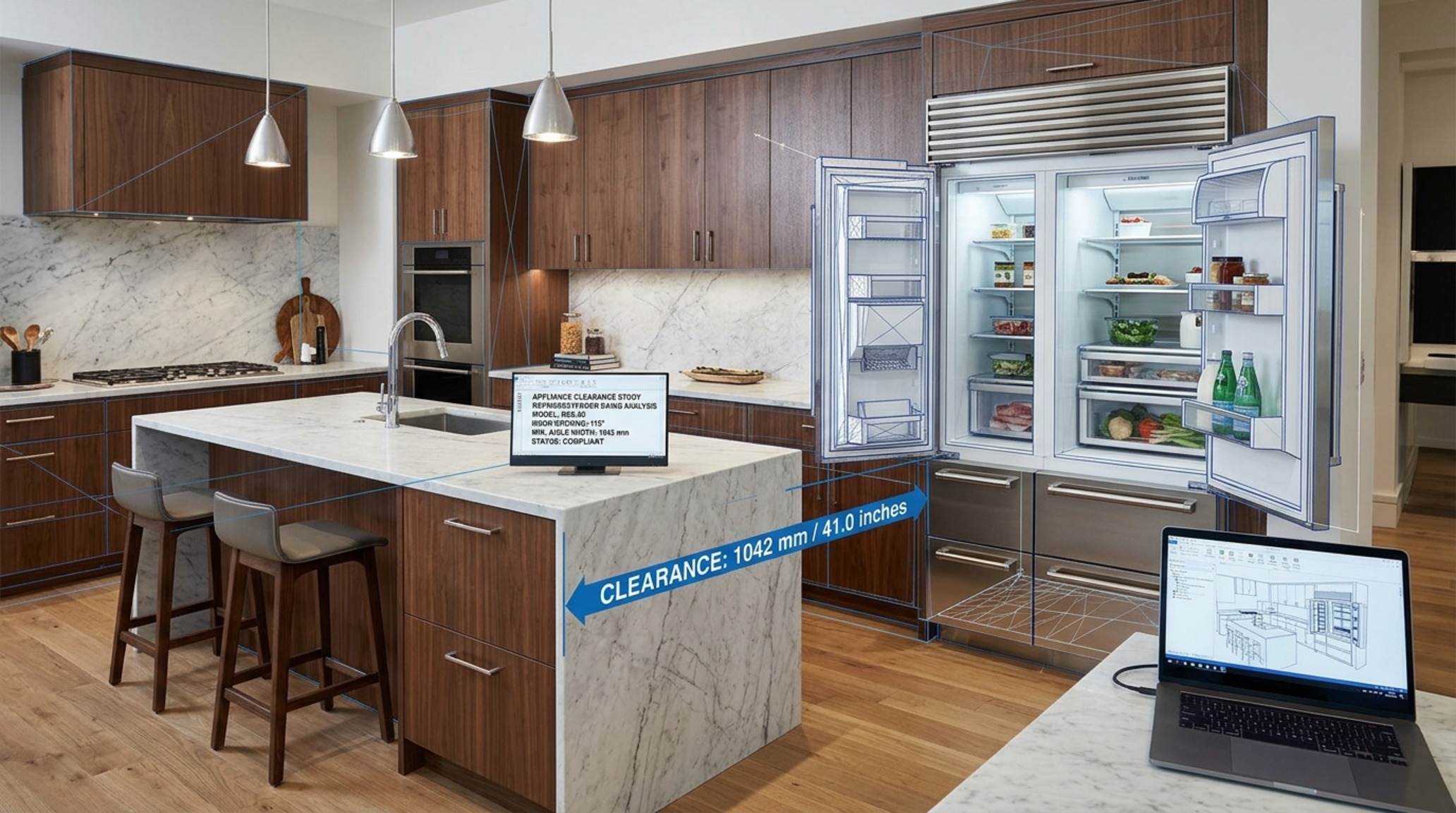
When we discuss spatial integrity, we are really talking about the relationship between the human body and the fixed objects within a room. Using a 3D room planner for kitchens allows us to visualize the ‘circulation zones’ that are often overlooked in 2D plans. A standard 36-inch walkway might look sufficient on paper, but when you factor in a dishwasher door swinging open or a second cook maneuvering past the island, that clearance can feel claustrophobic. By simulating these movements in a three-dimensional environment, we can adjust island widths or cabinet depths to ensure a minimum of 42 to 48 inches in high-traffic zones.
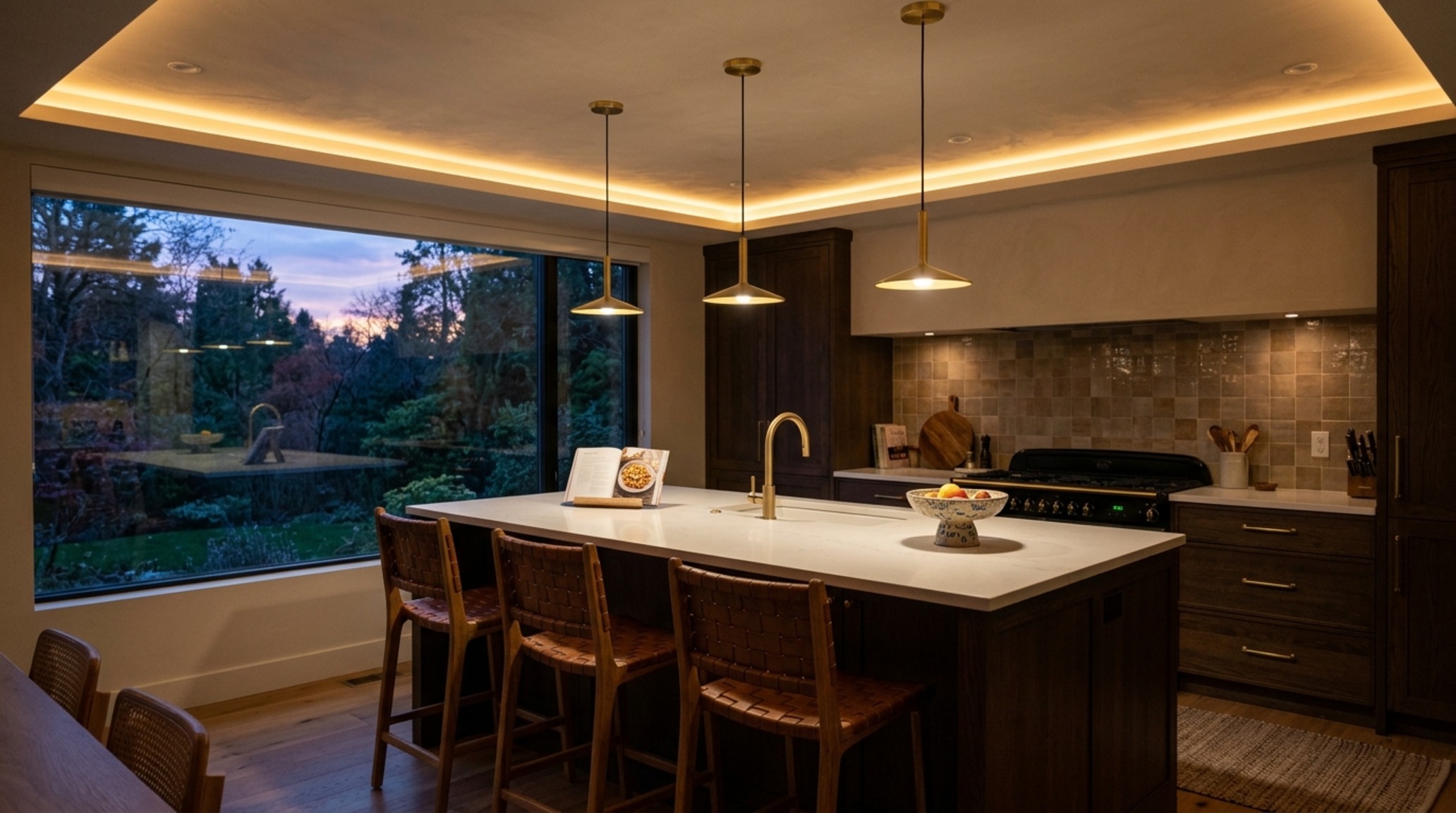
Consider the ‘Work Triangle’—the distance between the refrigerator, the range, and the sink. While the traditional rule suggests the sum of these distances should be between 12 and 26 feet, modern lifestyles often demand ‘Work Zones’—dedicated areas for coffee preparation, baking, or cocktail assembly. A sophisticated digital planner allows you to map these zones, ensuring that the 2700K ambient lighting hits the right surfaces while the 3000K task lighting is positioned exactly where the knife meets the board, with zero shadow interference.
“True luxury in the kitchen is the absence of friction. It is the intuitive ease with which one moves from the prep station to the oven, facilitated by a design that anticipates the body’s next move.”
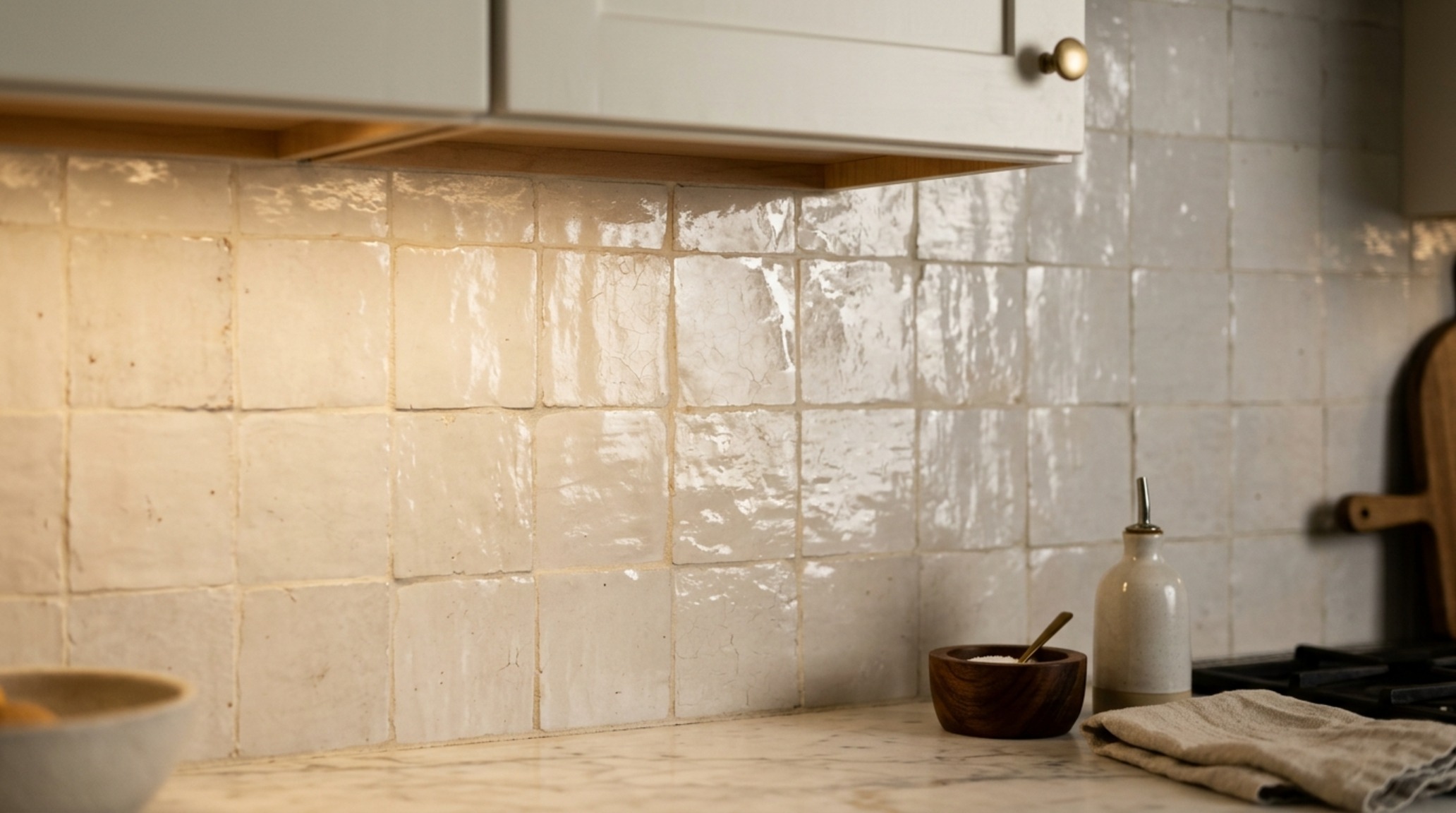
A Kitchen Backsplash Visualizer: Materiality and the Human Scale
One of the most visceral moments in any kitchen renovation is the selection of vertical surfaces. The backsplash is the visual anchor of the room, yet it is often the most difficult element to get right. A kitchen backsplash visualizer serves as a bridge between a small tile sample and the reality of a full-scale installation. It allows us to see how a high-gloss Zellige tile reflects light compared to a honed Calacatta marble slab. This isn’t just about color matching; it’s about understanding ‘light play’—how the low-profile under-cabinet lighting (ideally 3000K with a 90+ CRI) will graze the texture of the material.
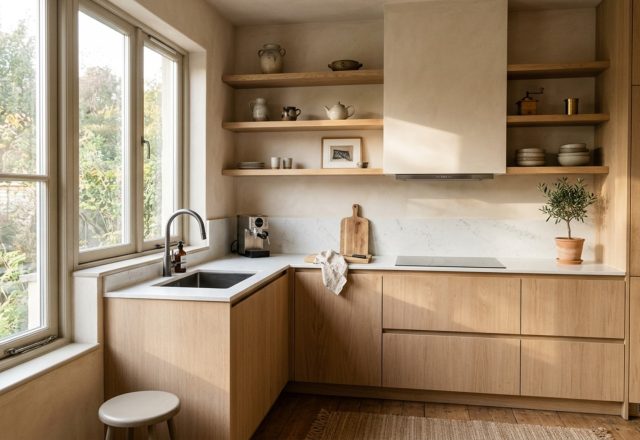
We also use these tools to define the ‘architectural datum’—the horizontal lines that align throughout the space. Does the backsplash end at the bottom of the vent hood, or does it extend to the ceiling to create a sense of verticality? Does it interact with a shelf made of fluted white oak? By visualizing these heights—typically a standard 18 inches but often pushed to 24 inches for a more ‘open’ feel—we can ensure that the visual weight of the room remains balanced. I often recommend a palette like Benjamin Moore Swiss Coffee for cabinetry paired with a backsplash in Farrow & Ball Setting Plaster for a soft, tactile grounding that feels both historic and contemporary.
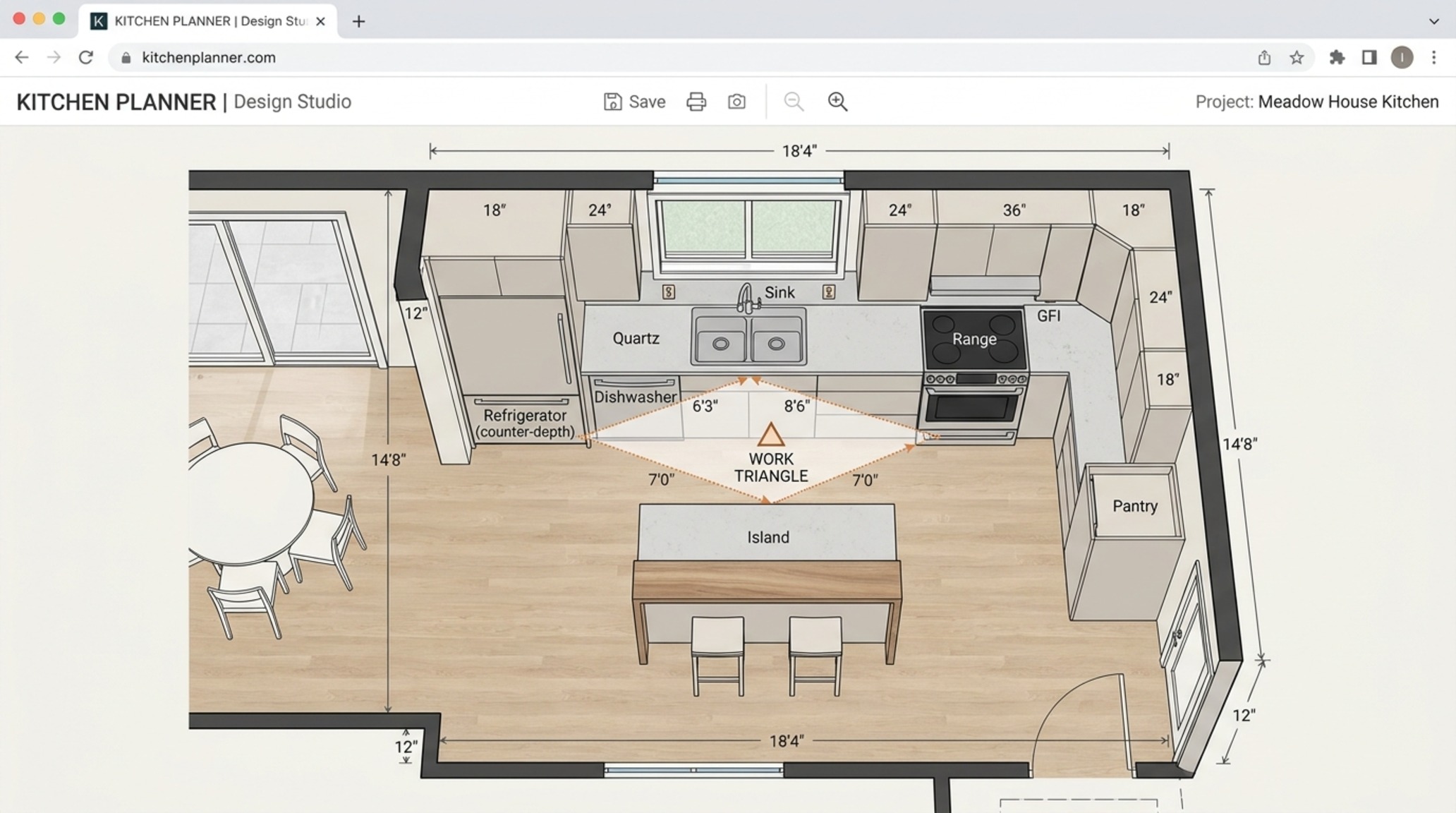
Online Kitchen Floor Planner: Engineering the Intuitive Path
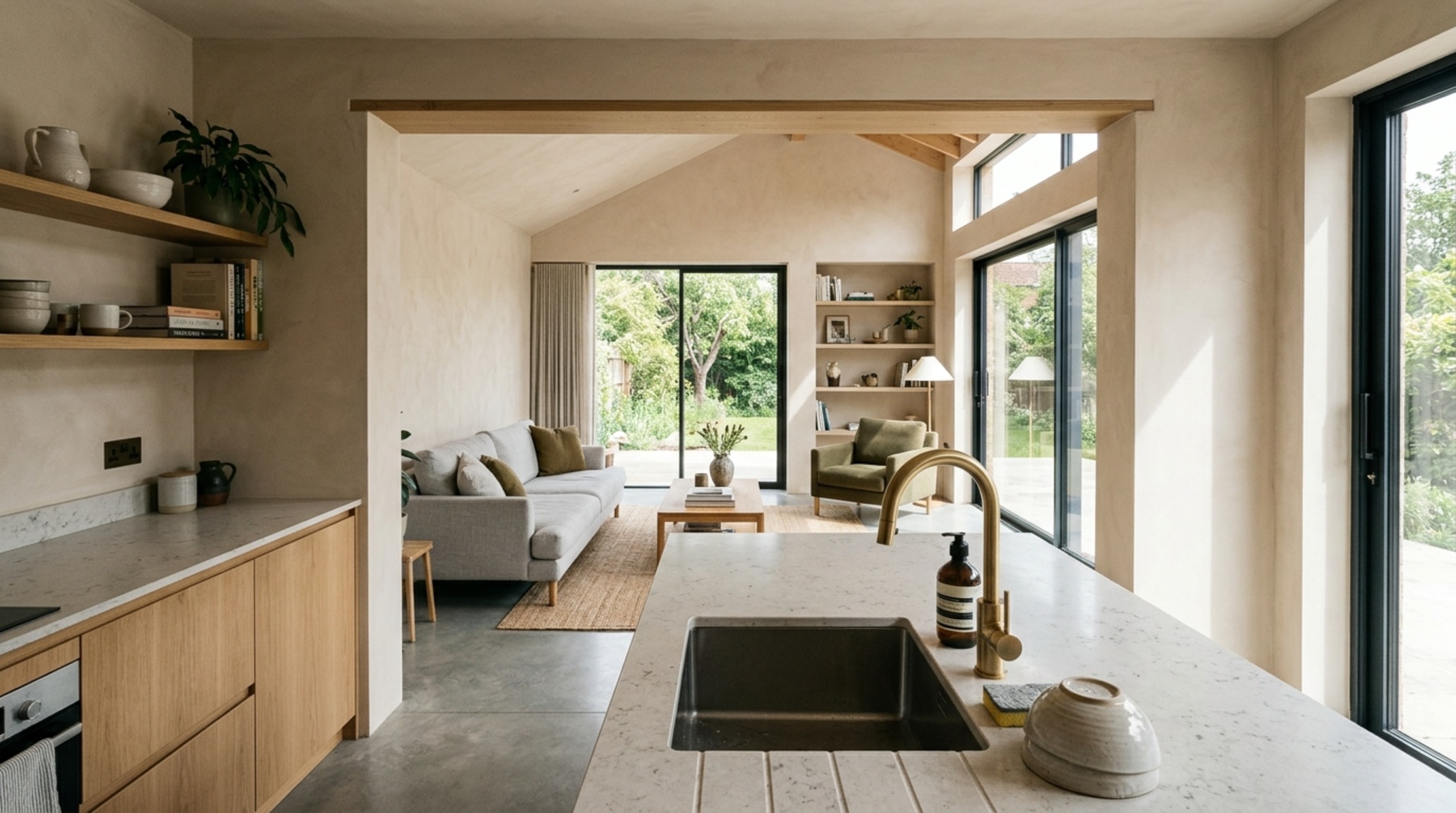
The floor plane is the foundation of ergonomic flow. An online kitchen floor planner is where we solve the complex puzzle of entry and exit points. In an open-concept home, the kitchen often acts as a thoroughfare. We must protect the ‘cooking core’ from the ‘traffic core.’ This means placing the refrigerator at the edge of the kitchen so family members can grab a drink without crossing the path of the person at the stove.
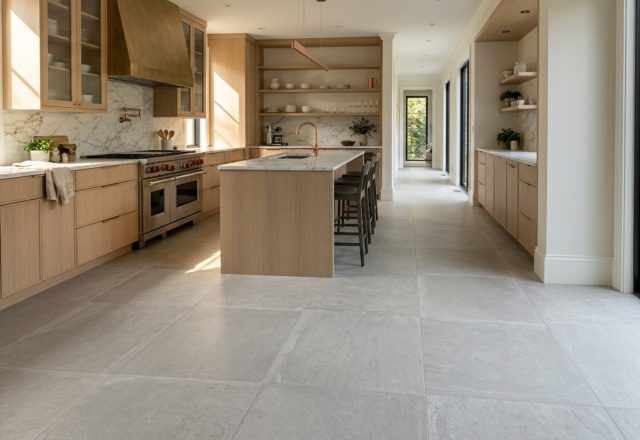
Using a floor planner, we can also test the clearance for island seating. A common mistake is forgetting that a seated person takes up roughly 18 to 24 inches of floor space, and you still need a 30-inch clearance behind them for others to pass. By digitally mapping these tolerances, we can decide if a 12-inch or 15-inch overhang is necessary for the countertop. These are the details that separate a ‘nice kitchen’ from an expertly engineered culinary studio. We might specify a floor of wide-plank European Oak or a muted, honed Travertine, ensuring the material choices complement the spatial layout without overwhelming the visual field.
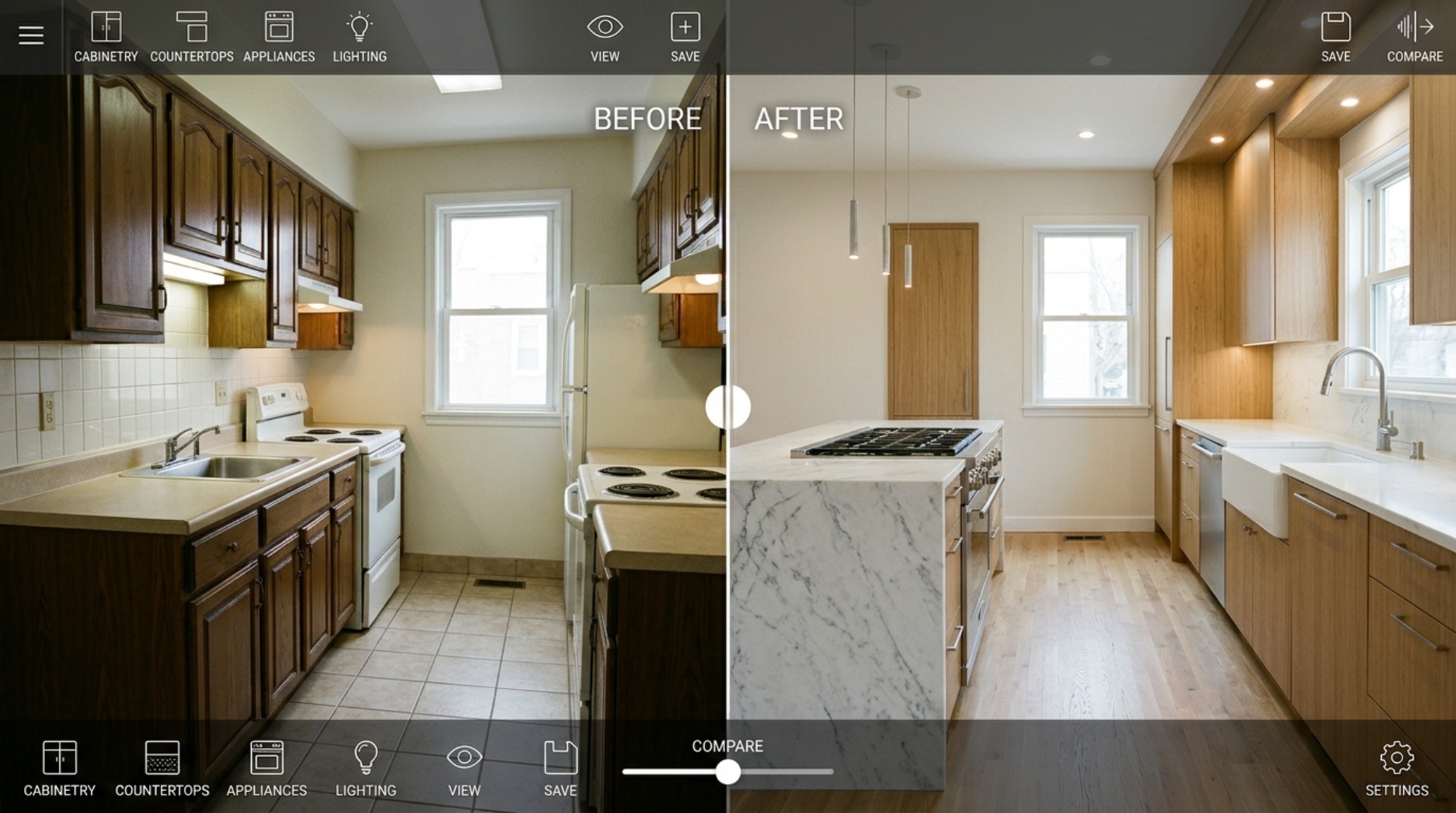
Visual Narrative & Detail Studies: The Power of Context
A designer’s greatest challenge is helping a client visualize how their specific light and existing architecture will interact with new finishes. This is where a virtual kitchen designer with your own photo becomes an invaluable asset. There is a psychological comfort in seeing a new walnut island or a waterfall edge countertop integrated into your actual room. It grounds the design in reality, accounting for the way the afternoon sun hits the north-facing windows or how the ceiling heights fluctuate.
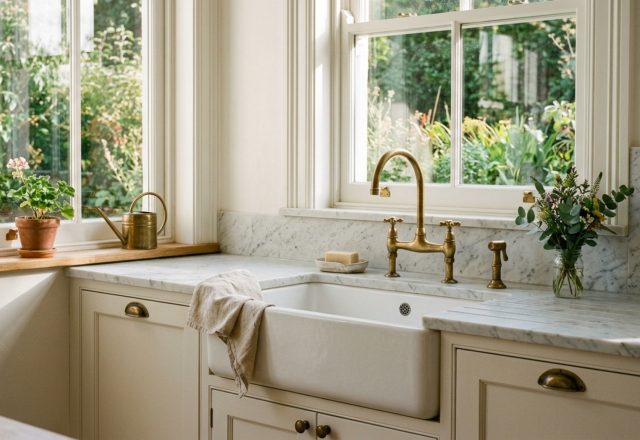
In this phase, we focus on ‘sightline alignment.’ When standing at the main sink, what is the view? Is it centered on a window, or does it look into a living area? A virtual simulation allows us to pivot the camera to any angle, ensuring that the visual rhythm remains consistent from every vantage point. We can experiment with hardware finishes—perhaps a living brass that will patina over time—and see how it contrasts against a dark charcoal cabinet like Benjamin Moore Iron Mountain. This level of detail ensures that every touchpoint in the kitchen feels intentional and curated.
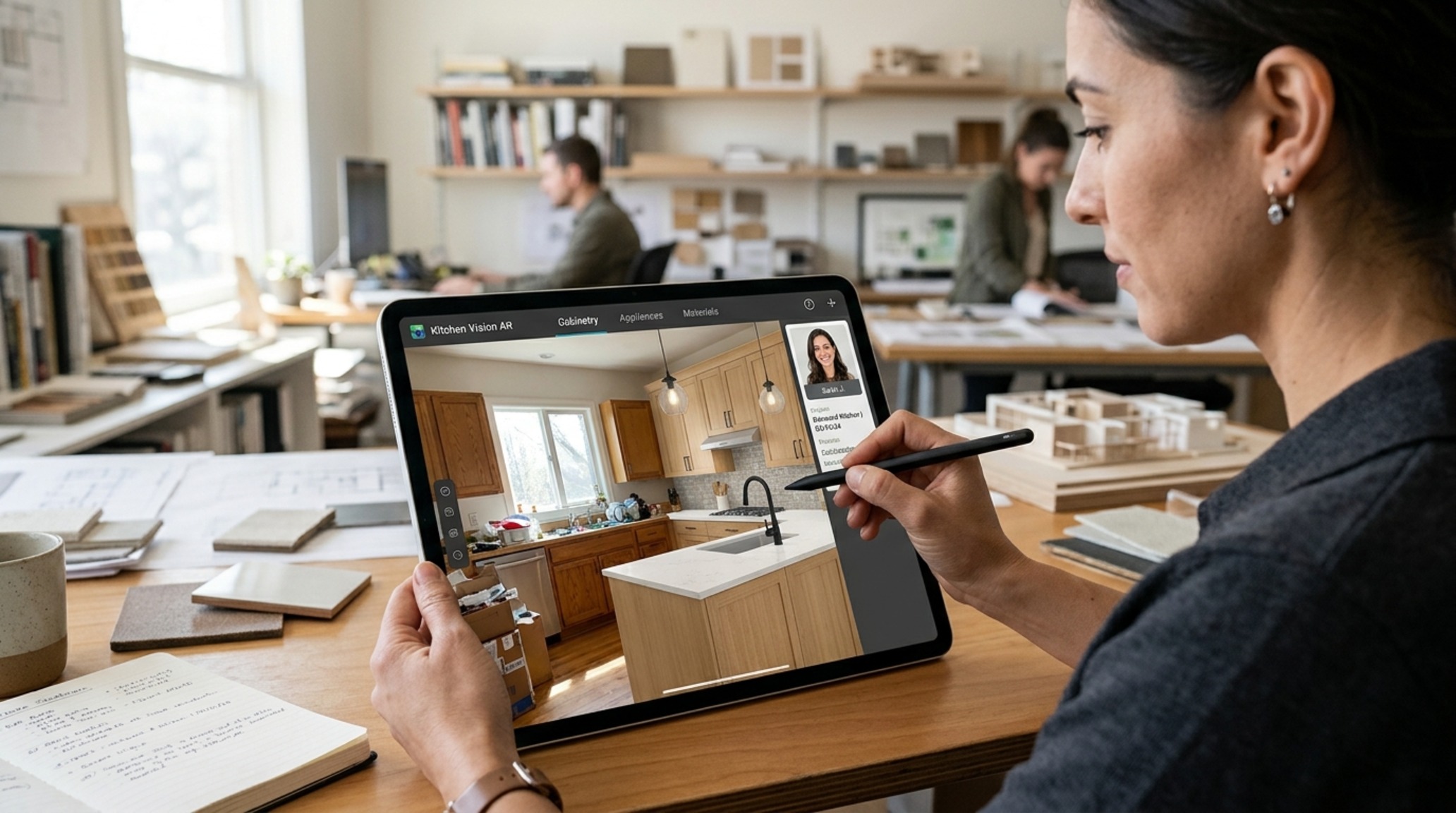
The Virtual Kitchen Remodel Tool: Mitigating Risk Through Digital Prototyping
Renovating a kitchen is one of the most significant financial investments a homeowner will make. The virtual kitchen remodel tool acts as a risk-mitigation strategy, allowing for ‘digital prototyping’ before the first demolition hammer is swung. It is here that we can experiment with more daring design choices—perhaps a fluted glass pantry door or an oversized pendant light—without the fear of a costly mistake.
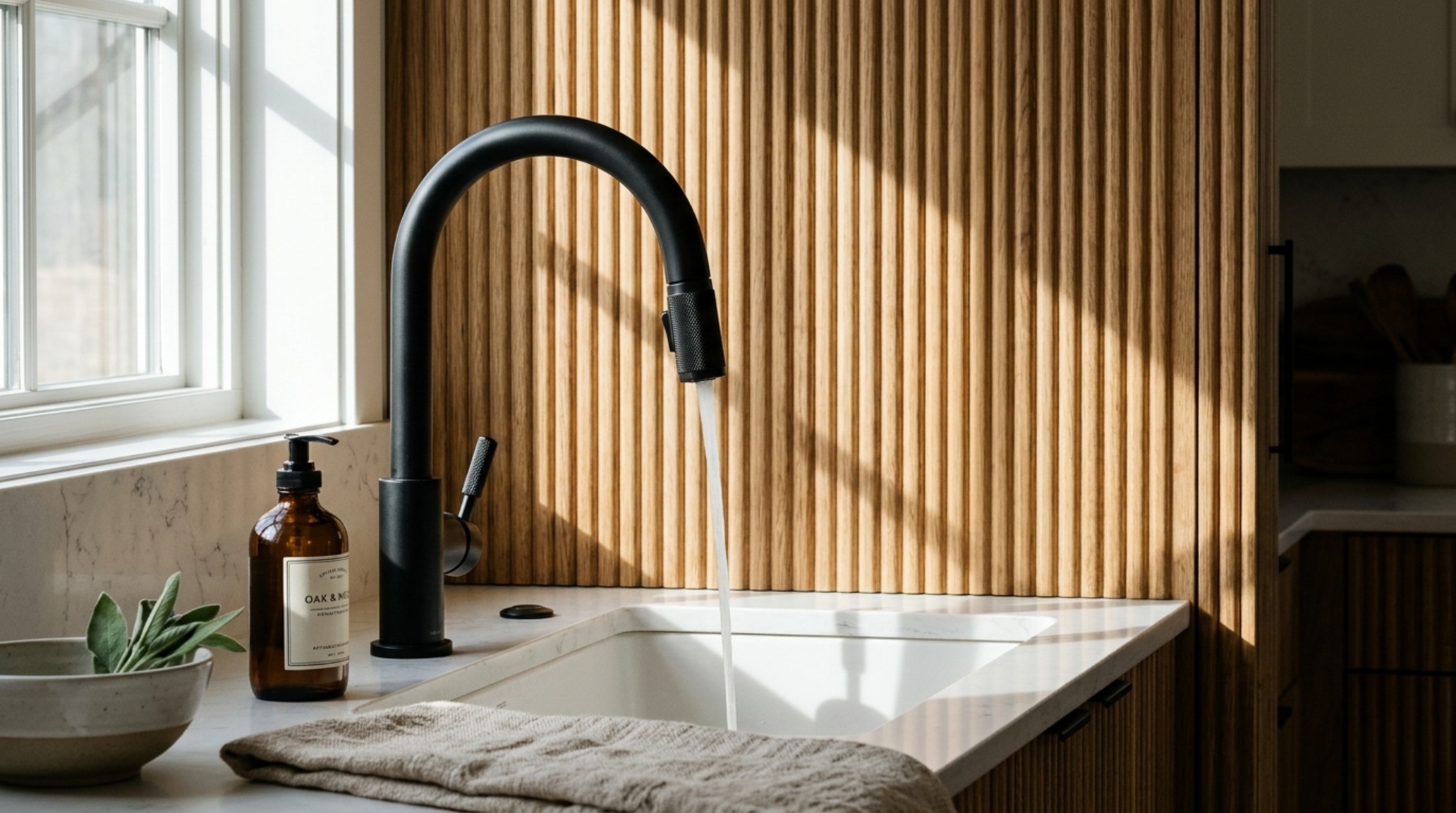
We use these tools to analyze ‘shadow play’ and ‘texture layering.’ For example, if we use a matte black faucet, we want to see how it looks against a backdrop of fluted white oak cabinetry and a polished quartzite countertop. The contrast between matte and gloss, or rough and smooth, is what creates depth in a design. A virtual tool lets us fine-tune these ratios until the composition feels balanced. It also allows for the practical testing of appliance clearances—making sure the French door refrigerator doesn’t hit the kitchen island when fully extended, a mistake that is surprisingly common in non-simulated designs.
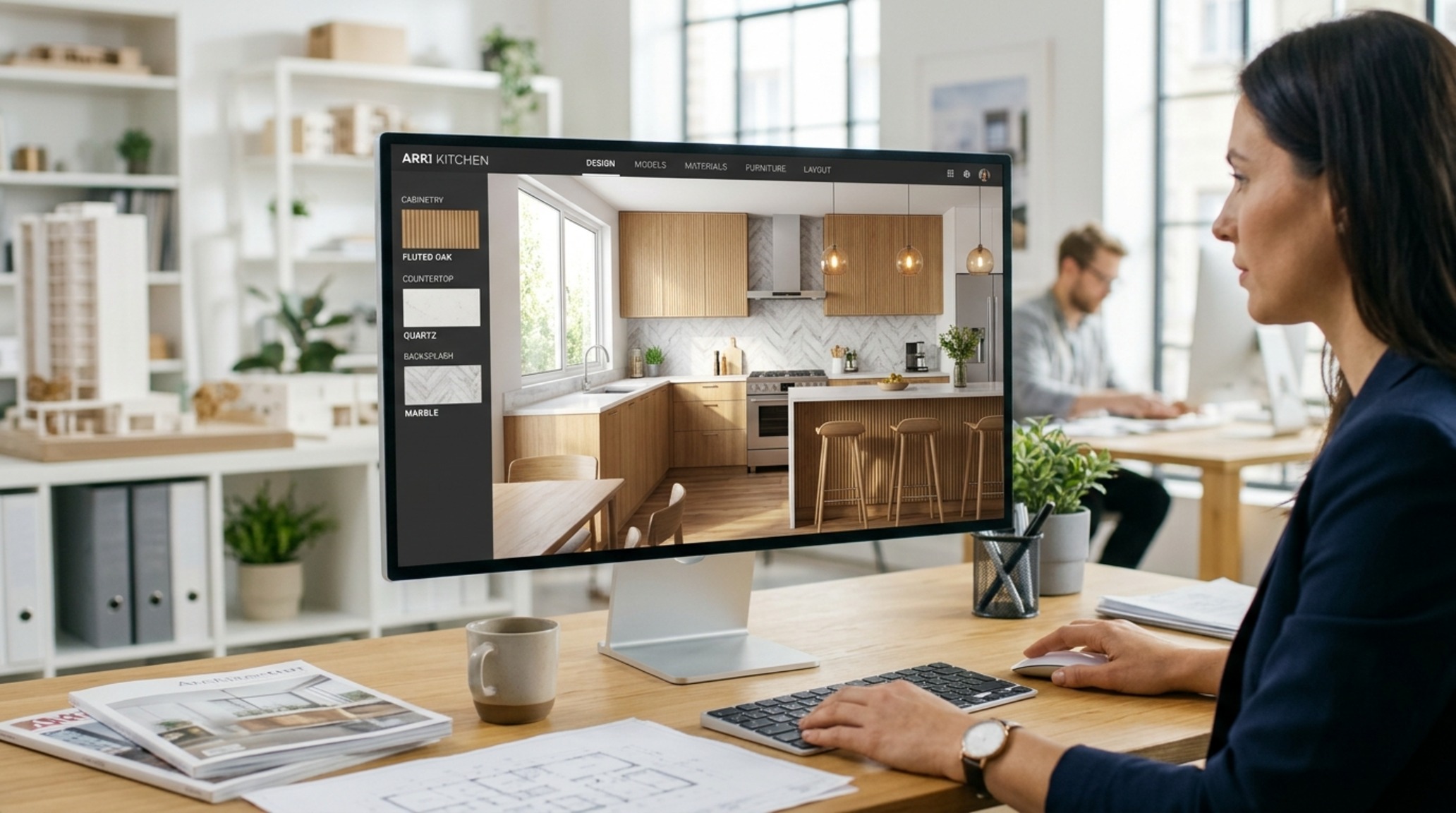
Free Virtual Kitchen Designer: The Democratization of Professional Insight
The rise of the free virtual kitchen designer has empowered homeowners to speak the same language as their contractors and architects. While a professional will always bring a level of expertise regarding structural loads and plumbing codes, these tools allow the user to explore their own aesthetic preferences and ergonomic needs first. It turns the design process into a collaborative dialogue rather than a one-sided presentation.
Whether you are looking to do a light refresh—changing the cabinet colors and hardware—or a full-scale gut renovation, the ability to iterate quickly is vital. You can test twenty different floor plans in the time it would take to sketch one. This speed allows for more creative exploration, leading to more innovative and personalized results. By the time you sit down with a professional, you already have a refined blueprint of how you want to live in the space, from the height of the trash pull-out to the exact placement of the spice drawer near the range.
Spatial Breakdown & Finish Specifications
Detailed specifications outlining core tactile materials, lighting temperature, and room clearances.
The evolution of the virtual kitchen designer marks a fundamental shift in how we approach the home. We are moving away from the era of ‘making it work’ and toward an era of ‘making it perfect.’ By using digital simulation to honor the nuances of architectural clearance, material reflection, and ergonomic flow, we create spaces that do more than just look beautiful in a photograph. We create environments that support the soul of the home—the quiet morning coffee, the chaotic family dinner, and every purposeful movement in between. In this digital era, the most luxurious thing you can design is a life that flows without friction.
Editorial Silo • Recommended Architecture Studies
- The Architectural Grammar of Traditional Style Kitchens: Symmetry, Millwork, and the Furniture-Grade Foundation — Archival Design Case Study
- The Tactile Aesthetic of Small L Shaped Kitchen Design: Materials, Moods & Lighting Kelvin — Archival Design Case Study
Editorial Photo Collection
Visual perspectives honoring architectural weight, understated craftsmanship, and layered atmospheric warmth.
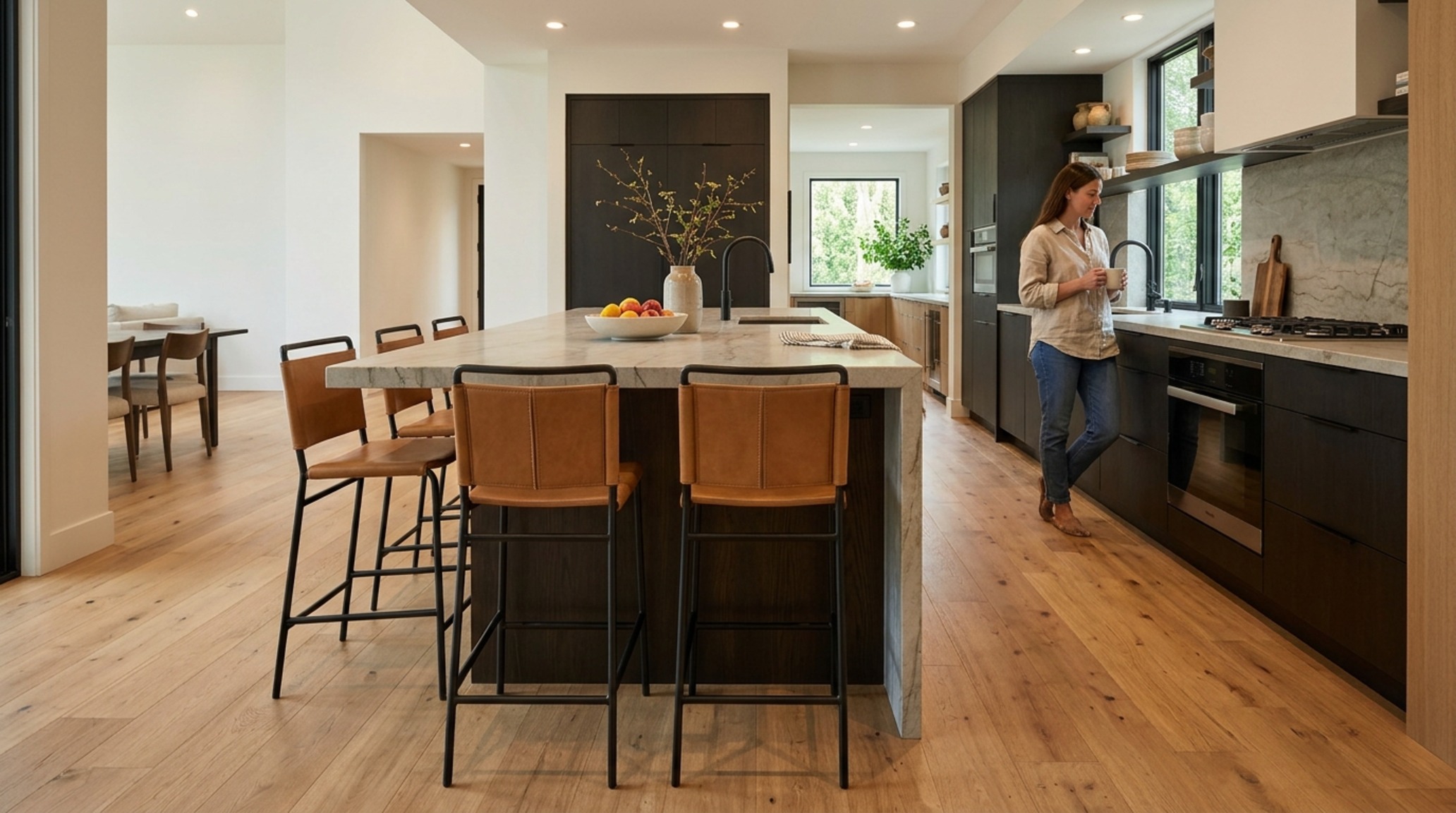
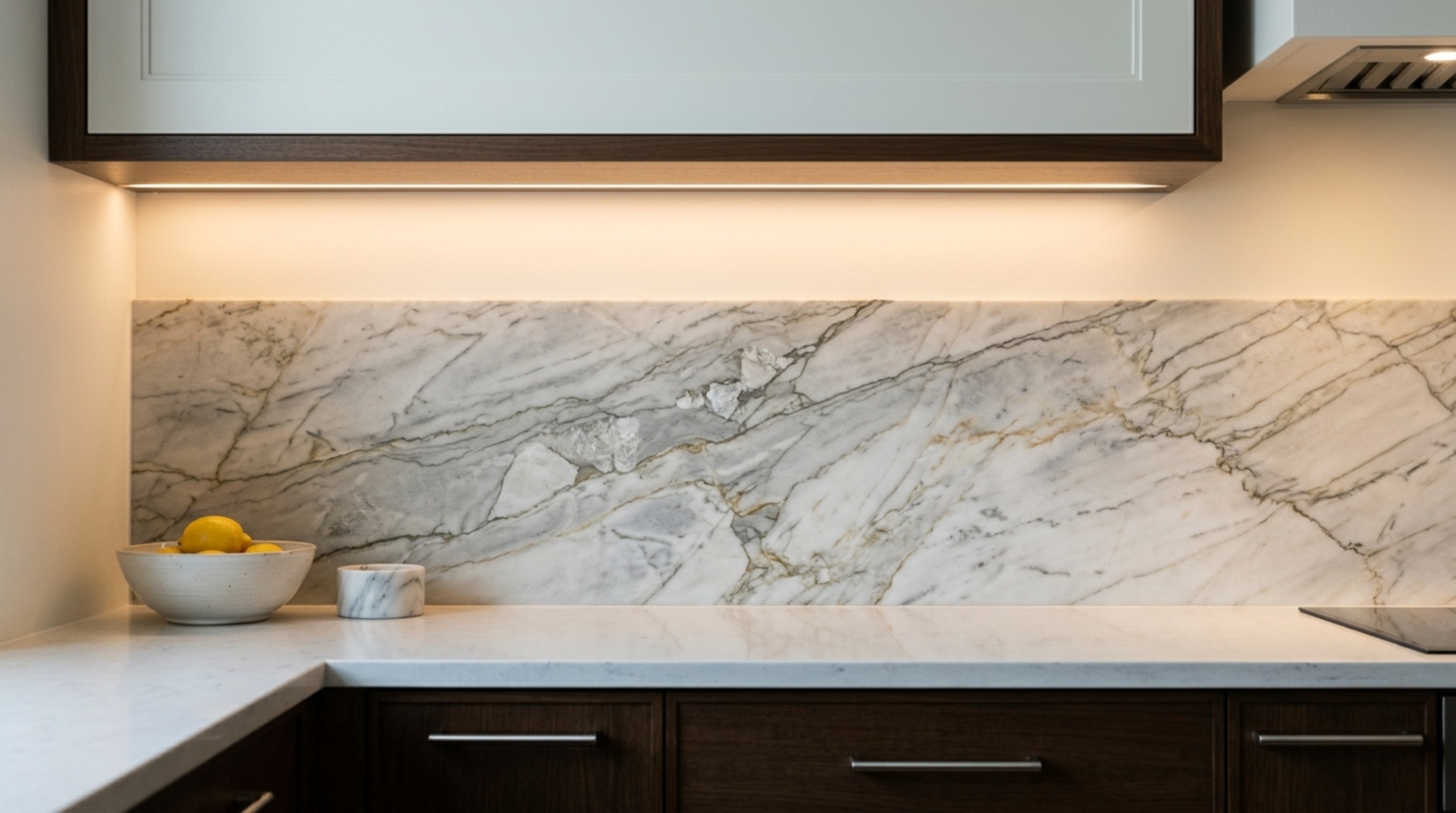
Curated Visual Lookbook
Design Gallery & Spatial Studies
A visual curation of architectural arrangements, lighting concepts, and material palettes featured in this space.